


Compatible Image-to-Video Models
Active image-to-video models are loaded from model configuration rather than a second hardcoded catalog.
Get an additional discount on premium plans after signing up
Upload an image, describe the motion, choose a compatible AI video model, and generate a video without leaving the page. Pricing, plan eligibility, and available controls update before you create.
Model
Compare source images with generated motion across cozy scenes, characters, architecture, performance visuals, and illustrated explainers.
Motion prompt
Animate gentle rain streaks on the window, subtle breathing motion, blinking city lights, soft ambient camera drift, and a warm emotional atmosphere.
Key features
Choose a compatible AI video model, upload an image, refine the controls available for that model, and see cost and plan eligibility before you submit a generation.
Active image-to-video models are loaded from model configuration rather than a second hardcoded catalog.
Duration, aspect ratio, resolution, audio, frames, seed, and other controls appear only where the selected model supports them.
The estimated credit cost updates as you change supported settings and output count before a generation is submitted.
Model-specific discounts and scoped Unlimited benefits are shown only when the selected model and plan qualify.
Submit from the homepage and keep the task, queue state, and result in the same Image-to-Video workspace.
See queued, processing, completed, or failed states, then download completed videos or open your gallery.
How it works
Start from the visual direction you already have, define the movement, select a compatible model, and review the generated result.
Start with a product photo, portrait, poster, illustration, or concept frame that already has the look you want to preserve.
Tell the model what should move: the subject, camera, background, lighting, or atmosphere.
Review the model-specific duration, resolution, ratio, price, and plan eligibility before you submit.
Track the task in the page, review the completed video, download it, or continue work from Gallery.
Learn
Choose a focused guide when you need examples, prompt structure, product-safe motion, subtle photo animation, or a careful old-photo workflow.
See source images, finished clips, recorded settings, and the motion brief that connects them.
Source to result · Model settings
Open workflowSeparate camera movement, subject motion, environment motion, and preservation instructions.
Prompt guide · Stable results
Open workflowPlan an ad or ecommerce draft while protecting labels, proportions, and brand-sensitive details.
Product video · Ecommerce
Open workflowUse restrained portrait, illustration, landscape, and atmospheric movement from a still image.
Portraits · Illustration
Open workflowStart from preservation and review every generated detail before sharing family or archive material.
Old photos · Family archive
Open workflowModels
Compare active video models and their configured capabilities. The controls, price, and plan eligibility update in the generator when you select a model.
Use cases
Use a strong source image as the visual anchor, then add motion for products, portraits, posters, explainers, and social clips.
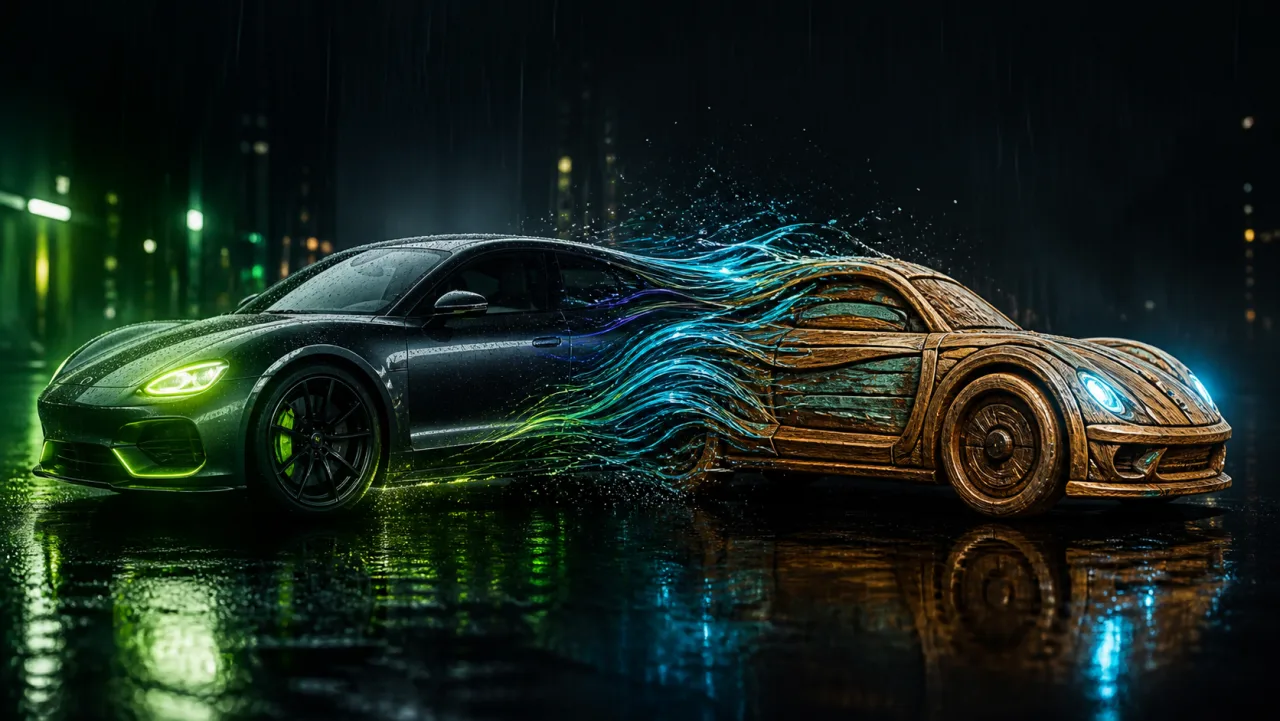
Turn product photography into short launch concepts, social ads, and motion tests before a full shoot.
Product video · Ad concepts · Reference image
Motion direction
Slow orbit around a skincare bottle, soft studio reflections, premium lighting.
Bring a portrait or character still into subtle camera, expression, clothing, and environment motion.
Characters · Portraits · Camera motion
Motion direction
Natural breathing, hair moving in the wind, a slow camera push-in, and soft afternoon light.
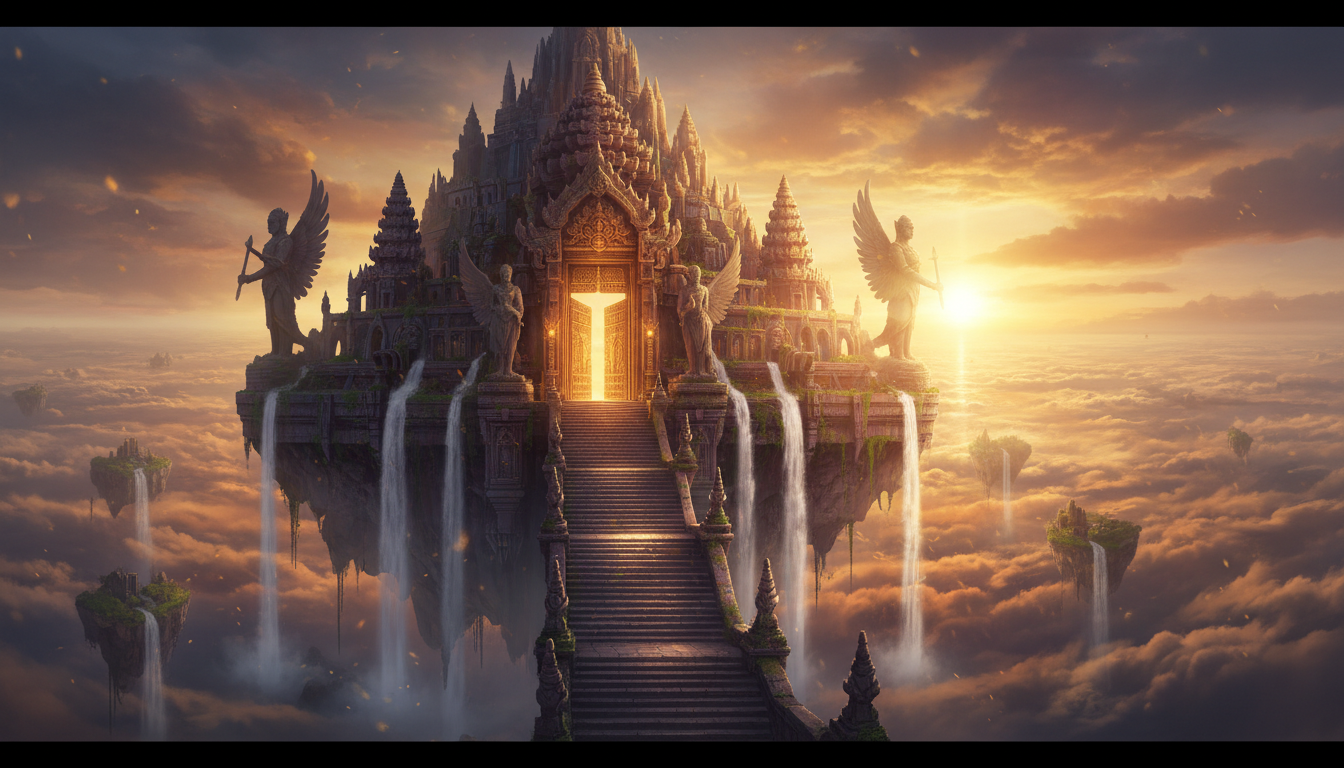
Turn a poster, campaign still, or concept frame into an animated teaser without rebuilding the art direction.
Posters · Campaigns · Teasers
Motion direction
Animate drifting smoke, pulsing neon light, and a gentle forward camera move.
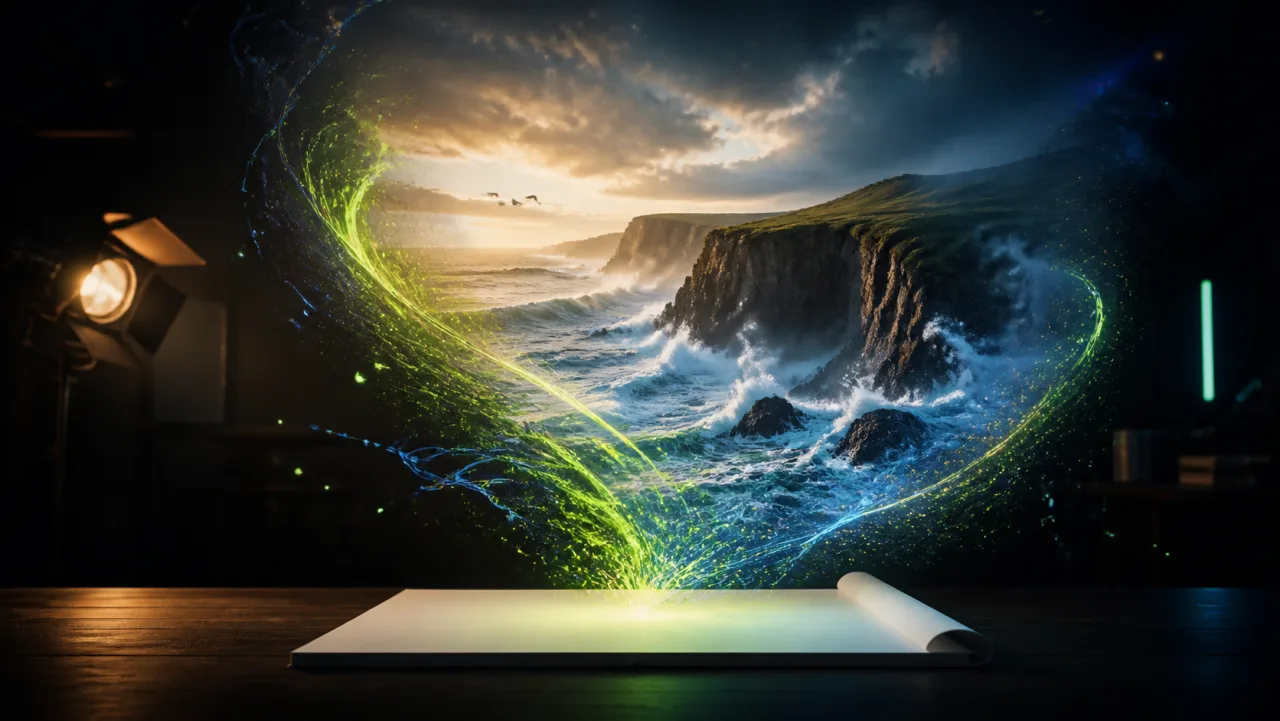
Add movement to diagrams, scientific visuals, or concept illustrations where motion improves comprehension.
Explainers · Illustration · Education
Motion direction
Show rising particles, moving layers, and a controlled camera push-in.
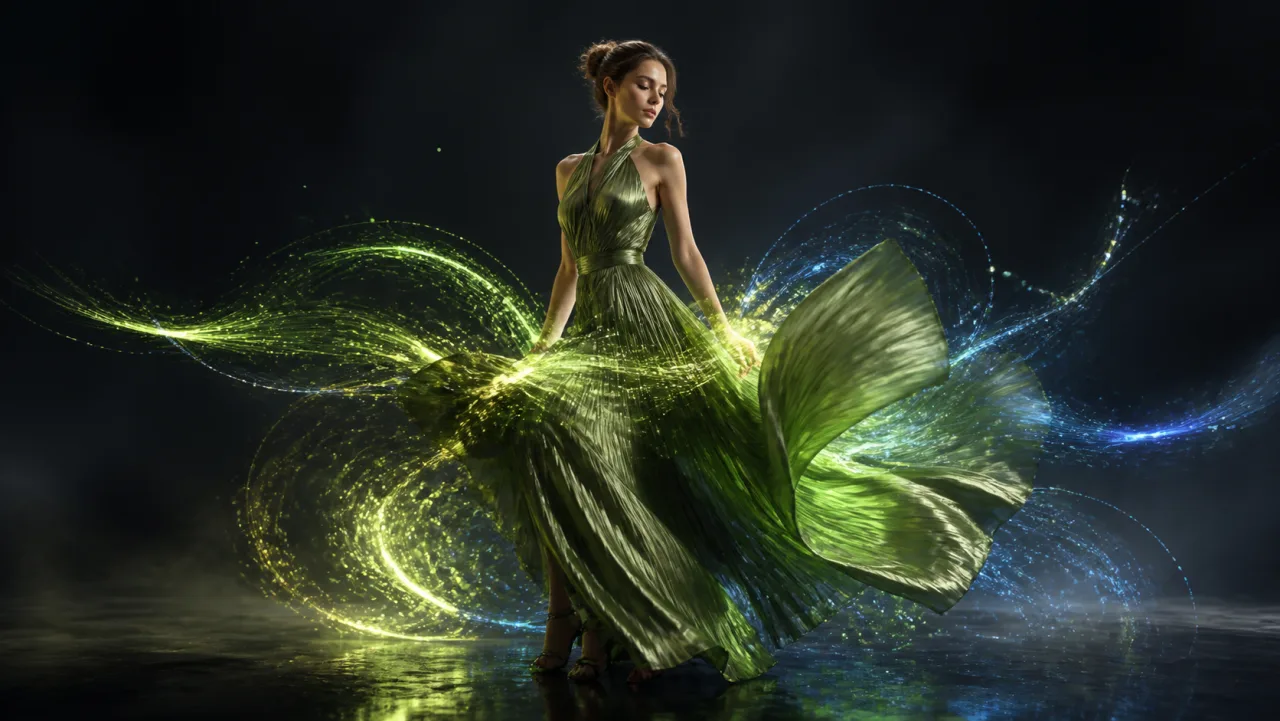
Use a fashion still as the anchor for pose, fabric, camera, and lighting movement tests.
Fashion · Lookbooks · Social video
Motion direction
A slow tracking shot with fabric movement and golden-hour backlight.
Create short vertical or horizontal motion drafts from still visuals before committing to a full production workflow.
Short-form · Social · Creative draft
Motion direction
Fast camera movement, energetic lighting changes, and a strong final hero frame.
Why Img2Vid
Img2Vid exposes the real model, configuration, and billing context before you submit instead of hiding choices behind a generic Generate button.
Upload, configure, submit, and review in the same page without sending the task to a separate composer.
Each model contributes only the inputs and controls it actually supports through configuration.
Credit estimates, discounts, allowance eligibility, and plan gates are calculated from the selected configuration.
Completed output can be downloaded or revisited in Gallery together with its generation context.
FAQ
Answers about source images, models, credits, plans, and what to expect from an Img2Vid generation.
Create
Choose a compatible model, direct the movement, and generate your image-to-video draft in Img2Vid.
