01
Build reveals
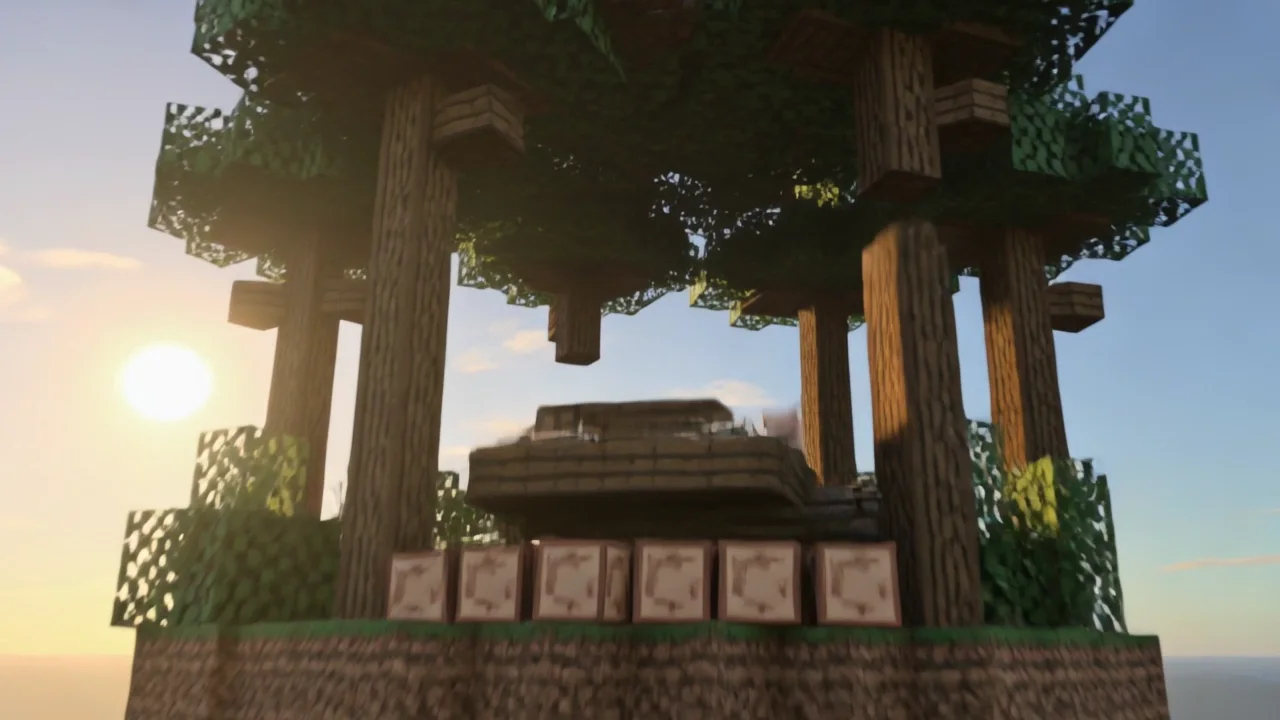
Show a fortress, treehouse, redstone room, village, portal, or fantasy landmark assembling in a controlled sequence. A wide opening and orbiting final reveal make the finished structure easy to understand.
直接在 Img2Vid 中完成 AI 视频草稿。选择兼容模型,查看价格和套餐资格,然后在同一工作区生成。

通过文字创意或上传图片生成电影感方块世界视频,并使用场景、镜头、画幅和音频控制。
使用自然语言完整描述角色、环境、动作、氛围和事件顺序。
正在确认应用访问权限…
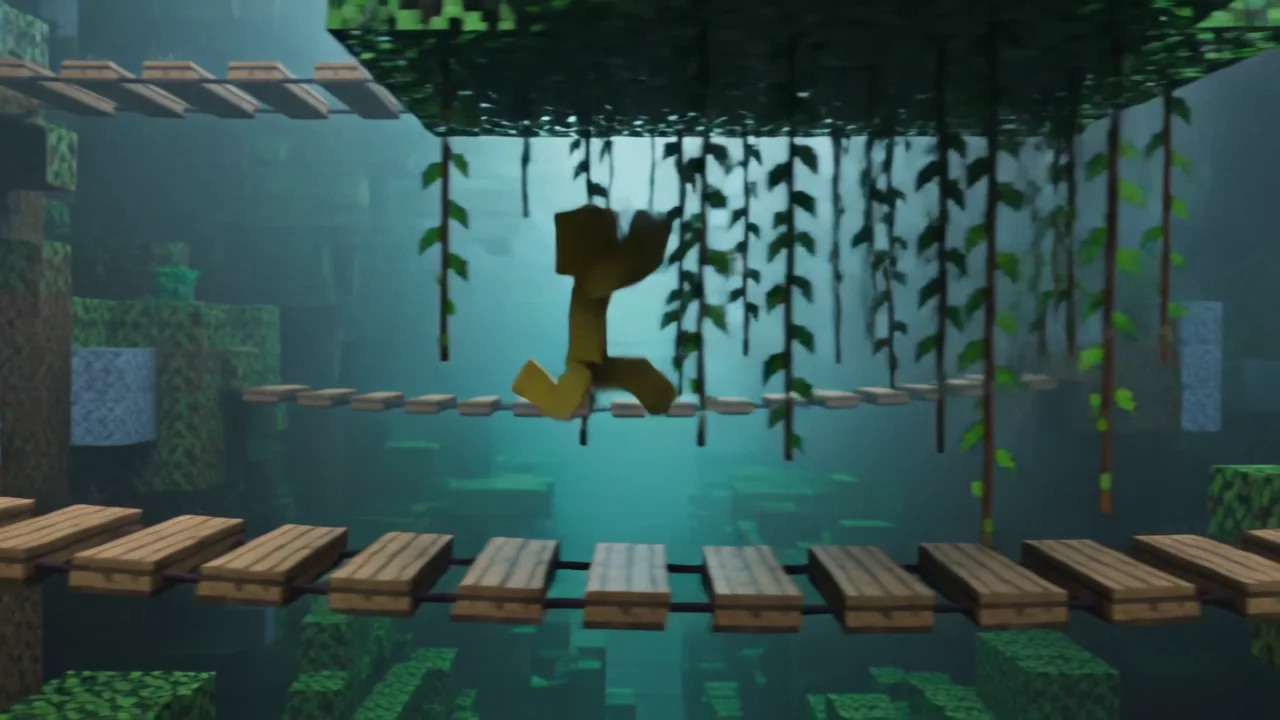
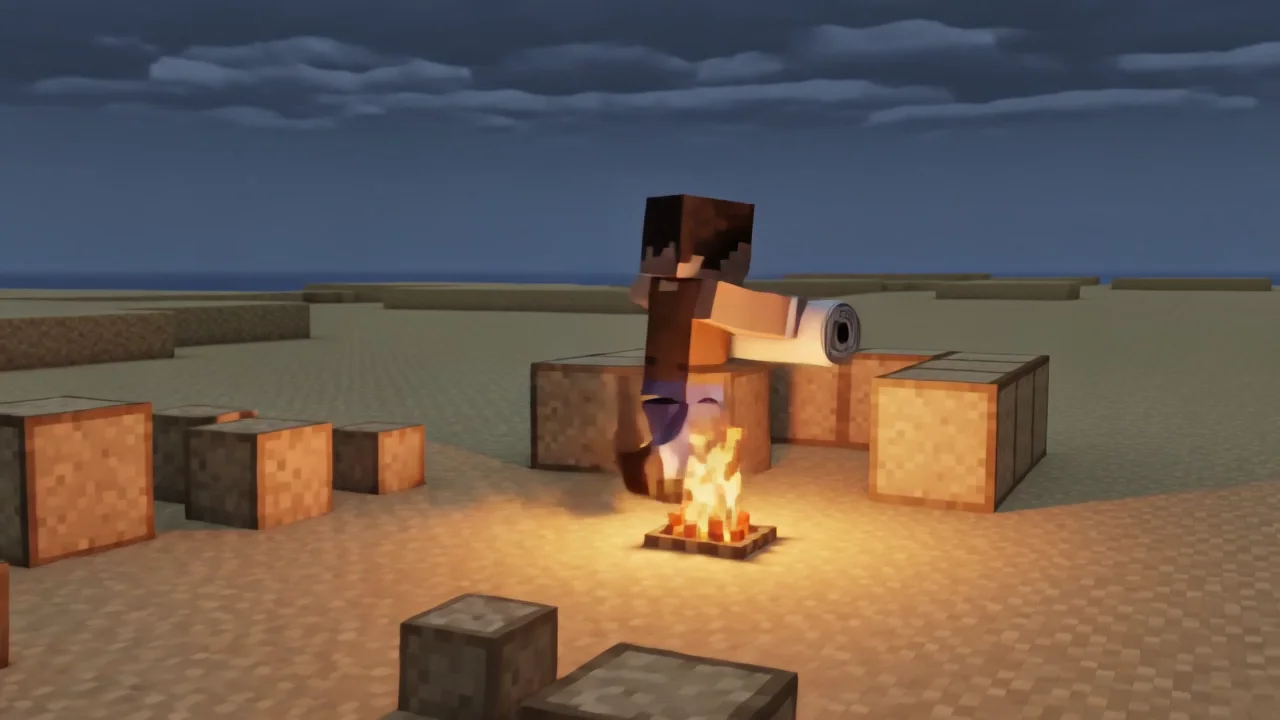
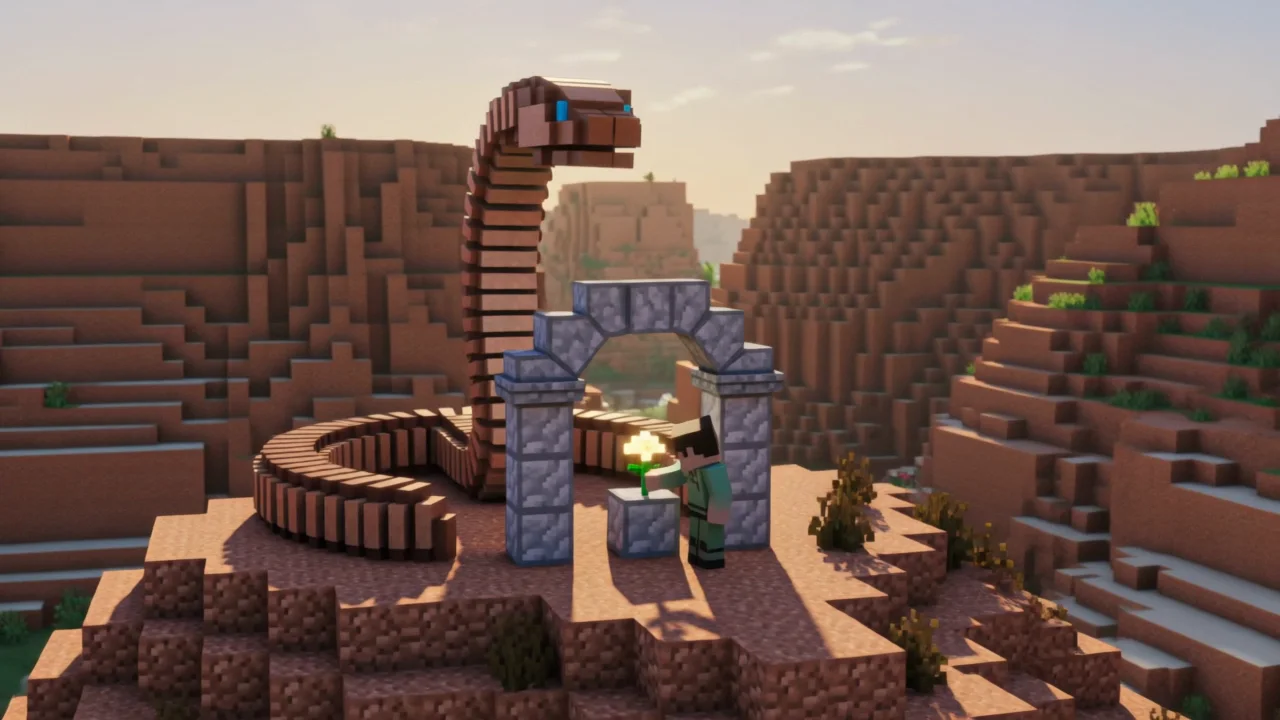
These five original clips demonstrate how the Minecraft video generator handles building, parkour, exploration, creatures, and fast camera movement. Each Kling V3 example uses a distinct subject, environment, action, lighting plan, and camera direction.
Prompt
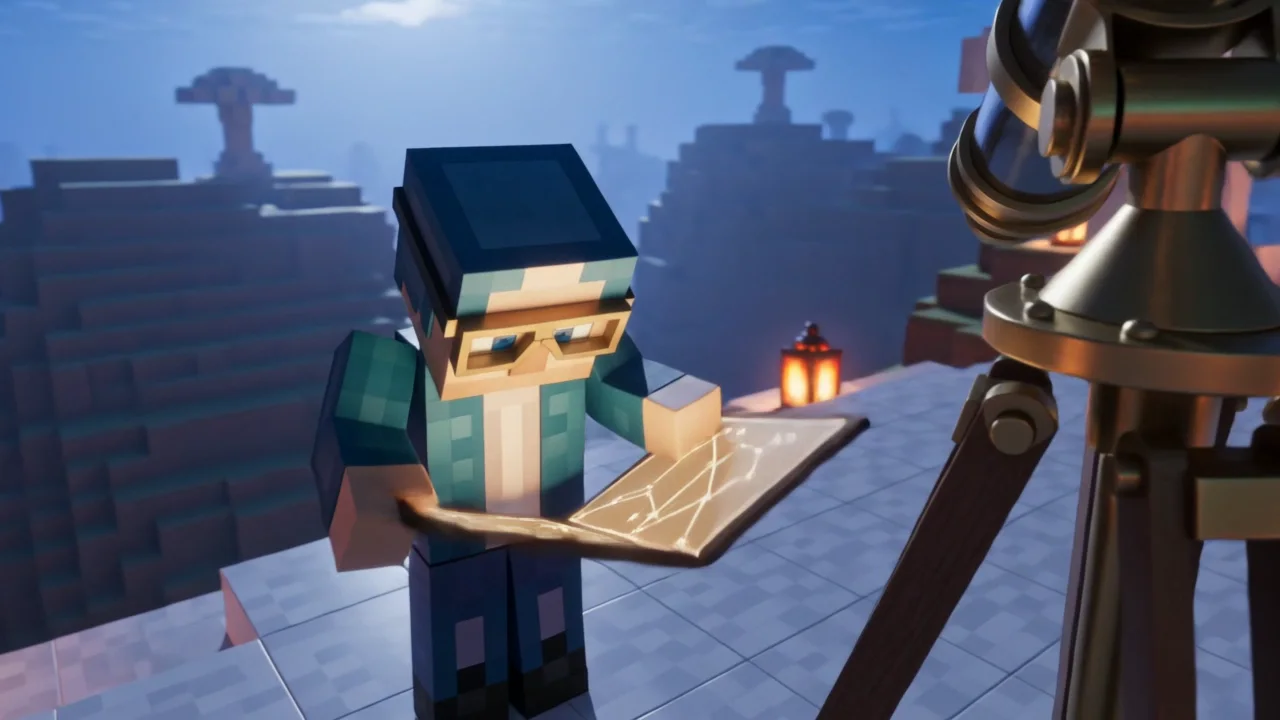
A cinematic Minecraft-inspired voxel build reveal at sunrise. A lone blocky architect in a copper jacket stands on a cliff above a misty valley. Ancient stone foundations rapidly assemble into a grand fortress with towers, bridges, and glowing lanterns, every cube locking into place with stable geometry. Start with a wide aerial fly-through toward the valley, then orbit the completed fortress as the architect raises a blueprint. Crisp pixel textures, coherent cubic scale, warm volumetric sunlight, restrained square particles, no text, no logo, no interface, no watermark.
Practical Ideas
A good Minecraft video generator is most useful when each clip has one understandable job. These scenarios fit Kling V3's short duration and keep the visual idea readable without requiring a timeline editor or recorded gameplay.
Show a fortress, treehouse, redstone room, village, portal, or fantasy landmark assembling in a controlled sequence. A wide opening and orbiting final reveal make the finished structure easy to understand.
Direct one route with a small number of jumps, grounded landings, and consistent platform spacing. Tracking or first-person cameras work best when the path remains visible ahead.
Create a compact setup, challenge, and resolution: crossing a bridge, finding shelter, lighting a beacon, escaping a storm, or reaching a safe village before night.
Stage a clear meeting between one character and one original block-built creature. Define scale, reaction, distance, and the final emotional beat instead of requesting an uncontrolled battle.
Produce a five-second visual hook for Shorts, Reels, TikTok, or a channel intro. Keep visible text out of the generated shot and add exact titles later in an editor.
Workflow
The Minecraft video generator keeps the process short, but each decision has a specific production purpose. Work from the central action outward rather than stacking unrelated visual ideas.
Use text when you want a new world and broad exploration. Use an image when a build layout, character colors, camera framing, or visual identity should remain recognizable.
Write something the viewer can observe: a bridge collapses, blocks assemble, a character lands, a portal opens, or lanterns illuminate a path. Avoid abstract goals such as make it epic.
Choose tracking for movement, fly-through for environments, first person for traversal, or orbit reveal for a final subject. Five seconds favors one shot; longer clips can support two or three beats.
Check block geometry, character continuity, limb count, tool shape, collisions, camera stability, and the final frame. Refine the action instead of merely adding more adjectives.
Prompt Method
The strongest Minecraft video generator prompt reads like a short shot brief: subject, action, environment, camera, lighting, duration, and a few stability constraints. Concrete nouns and visible verbs give the model more useful direction than a long list of mood words.
Specify clothing colors, carried tool, material, size, and position. If the character must remain consistent, describe the same identifying details only once and keep them unchanged.
Use verbs such as runs, places, assembles, opens, climbs, turns, lands, or lights. State the order when there is more than one beat, and keep the sequence realistic for the chosen duration.
The character can sprint while the camera tracks sideways, or a structure can remain still while the camera orbits. Separating those instructions reduces confusing movement.
Ask for coherent cubic geometry, crisp pixel textures, right-angle silhouettes, stable block scale, and consistent lighting. Exclude melted blocks, rounded surfaces, duplicated tools, interfaces, logos, and watermarks.
FAQ
Practical answers about inputs, formats, credits, quality, rights, and the current limits of the Minecraft video generator.
Start
Open the Minecraft video generator above, choose text or image mode, direct one clear action, and turn the strongest result into your next short, build reveal, story beat, or creator intro.