
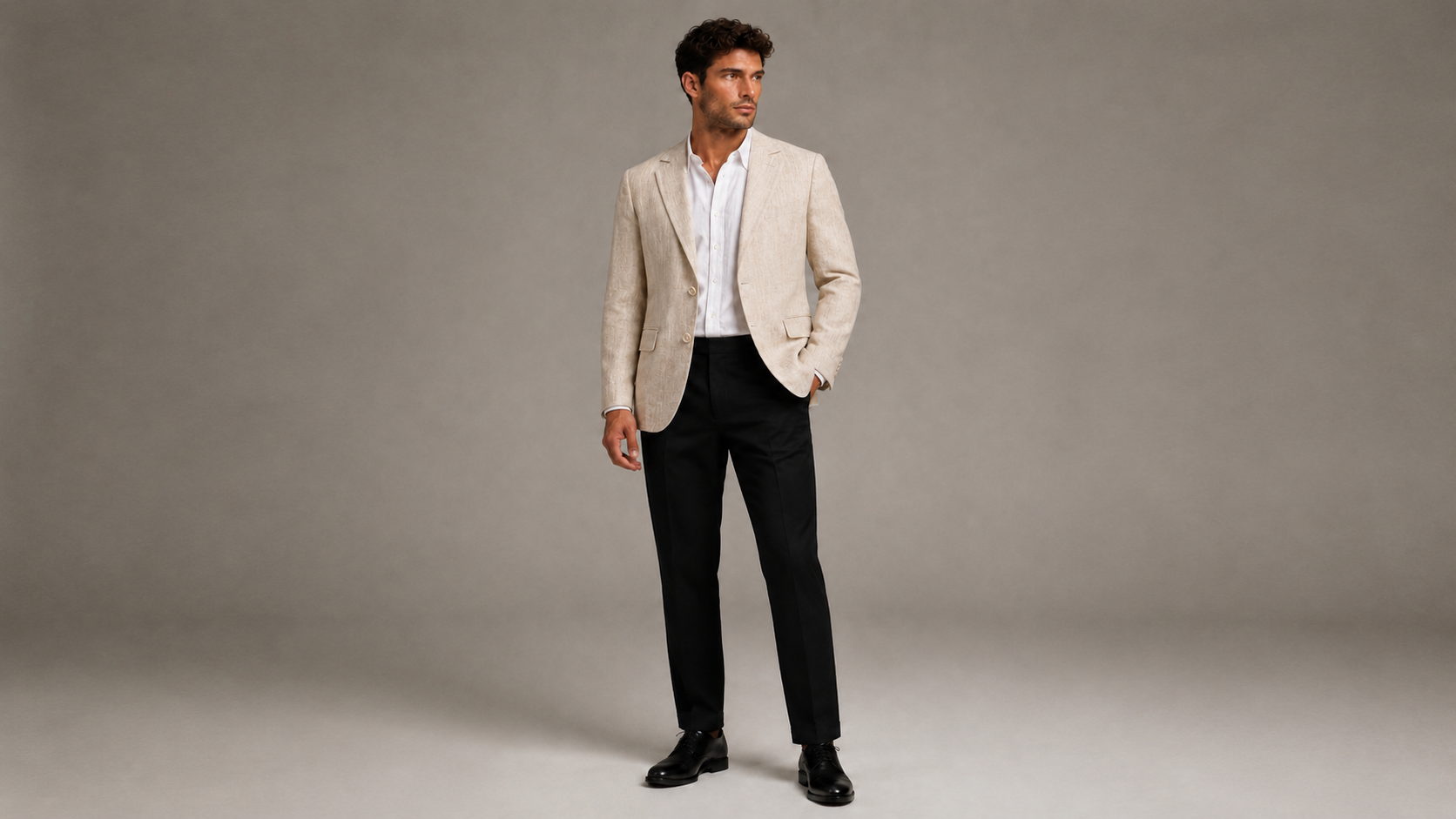
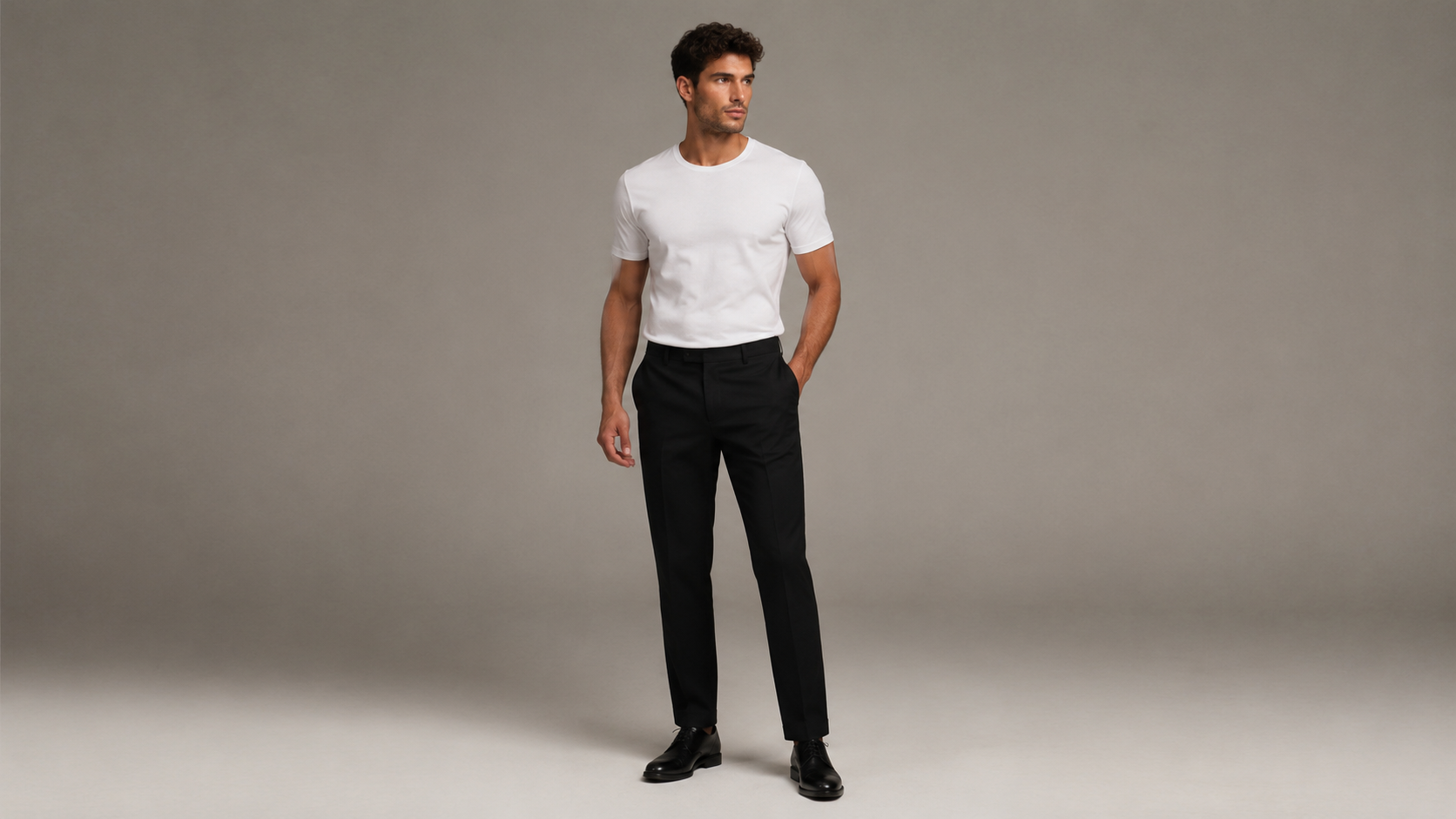
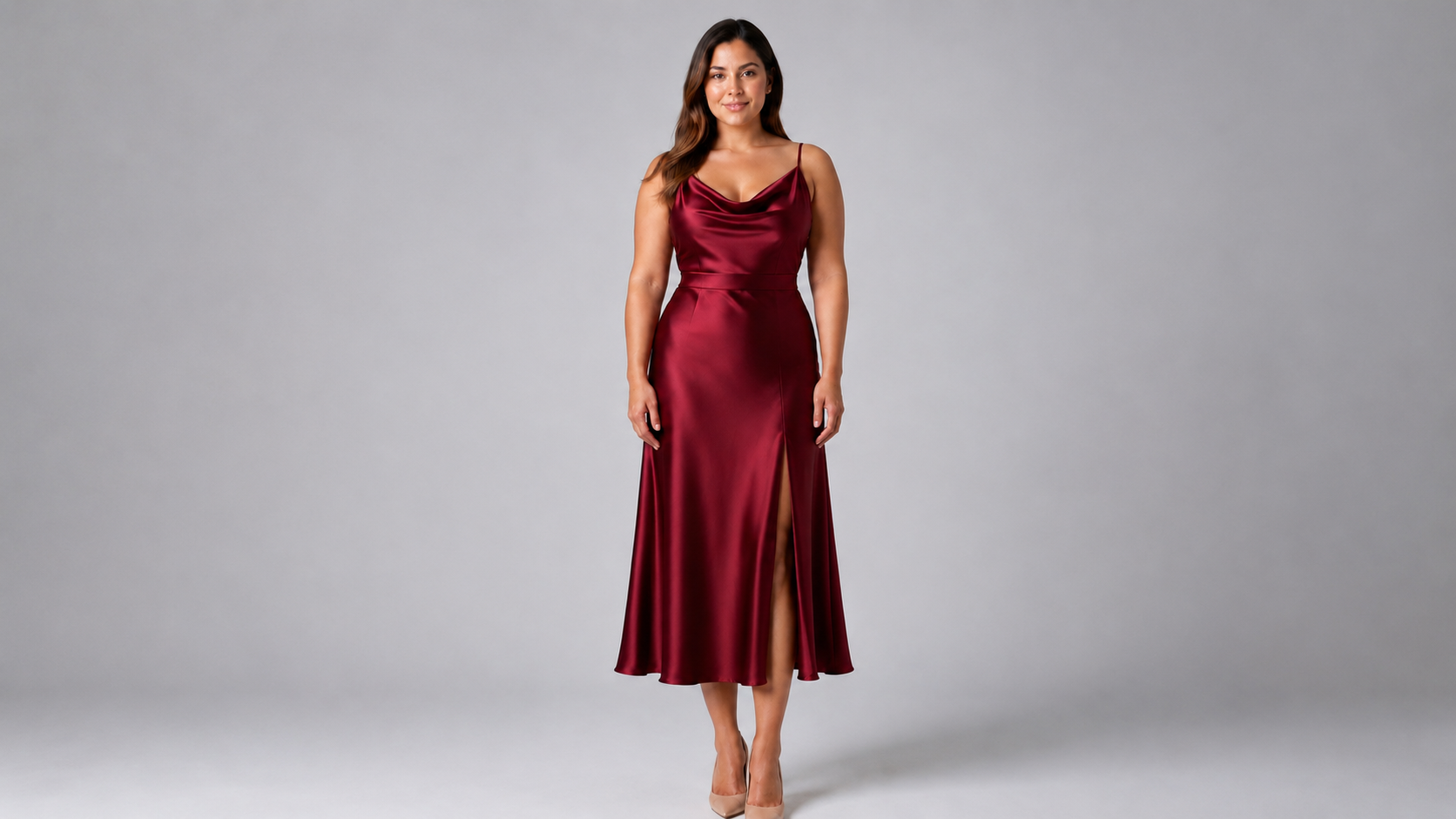
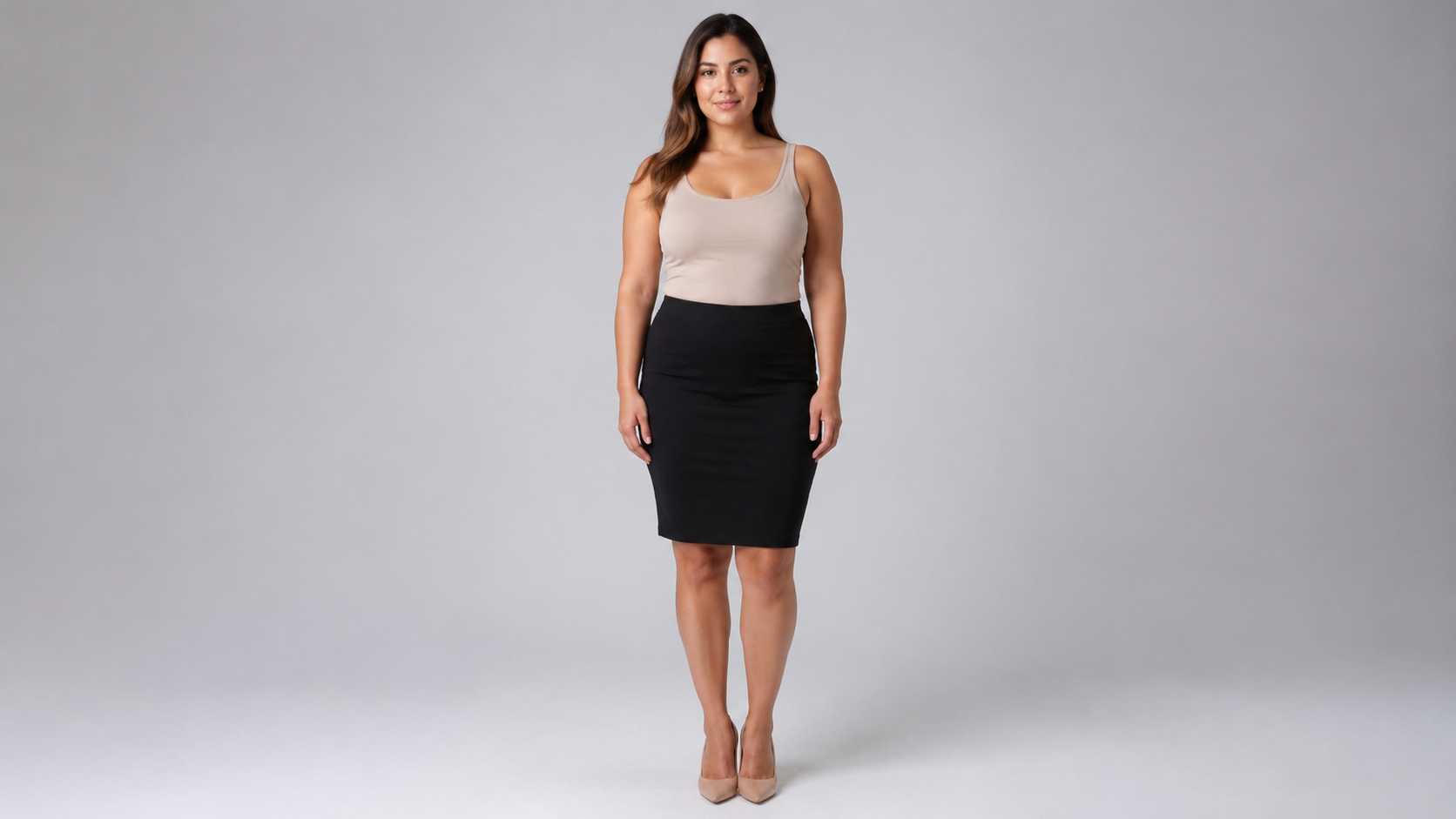
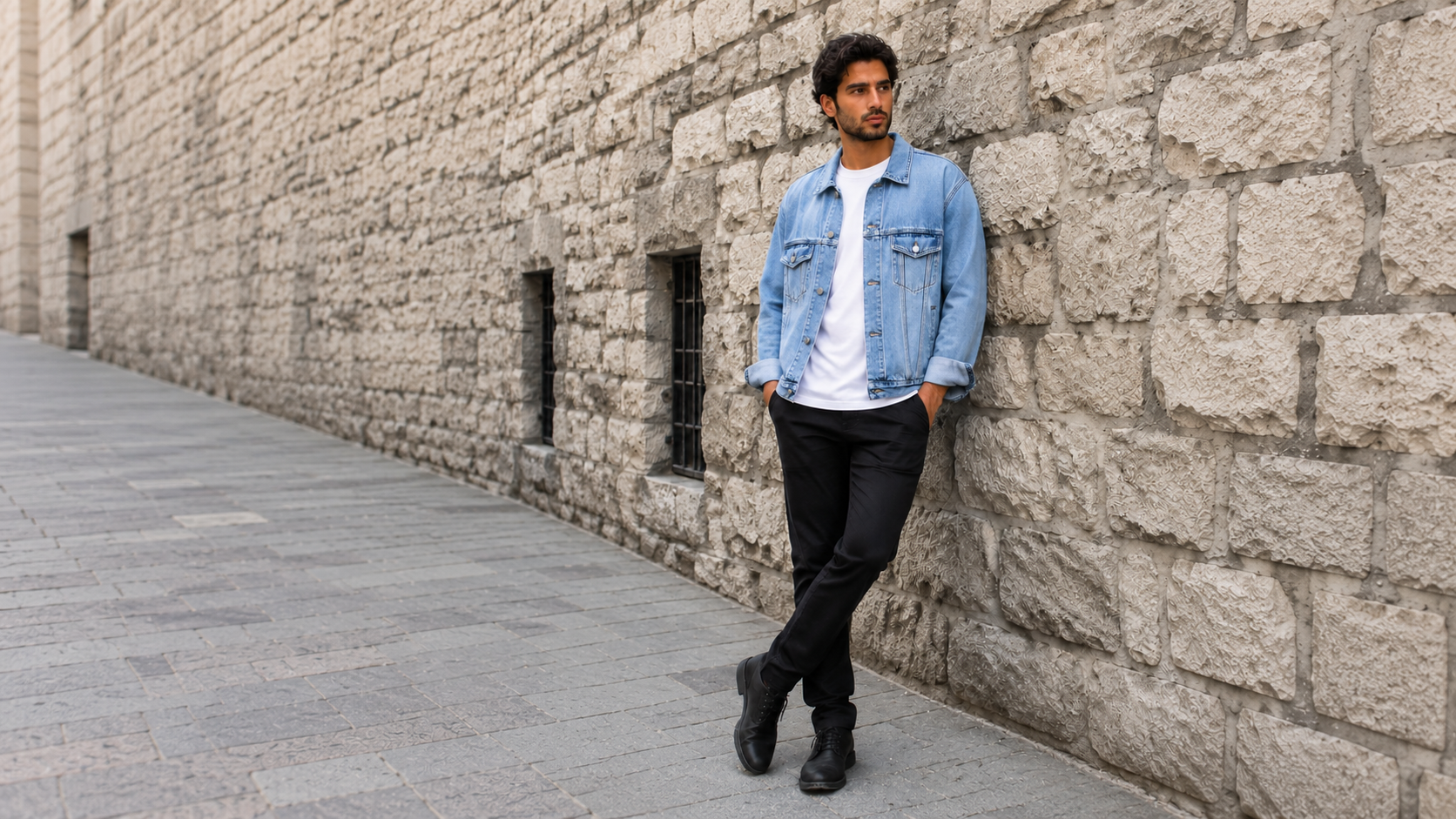
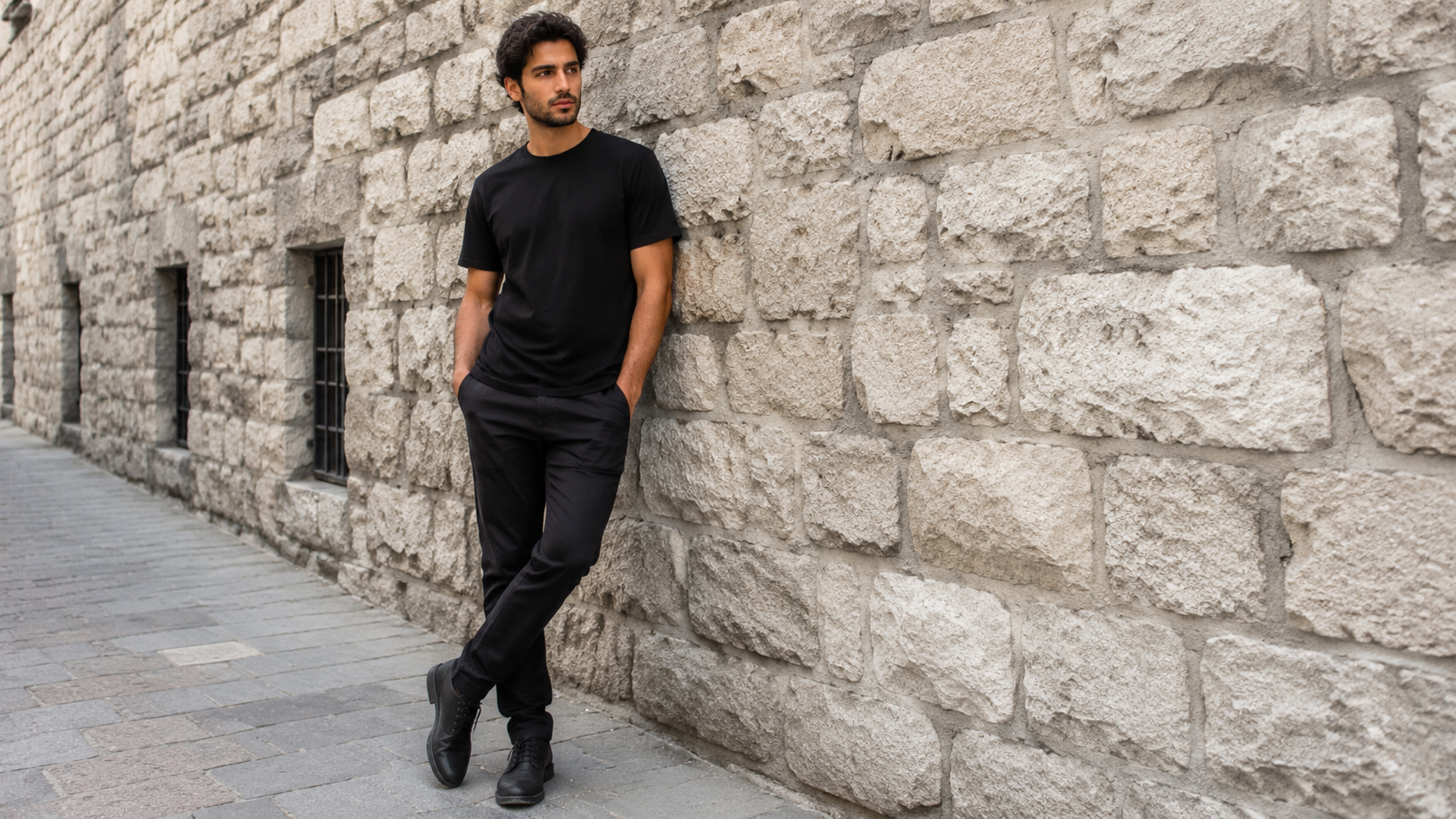
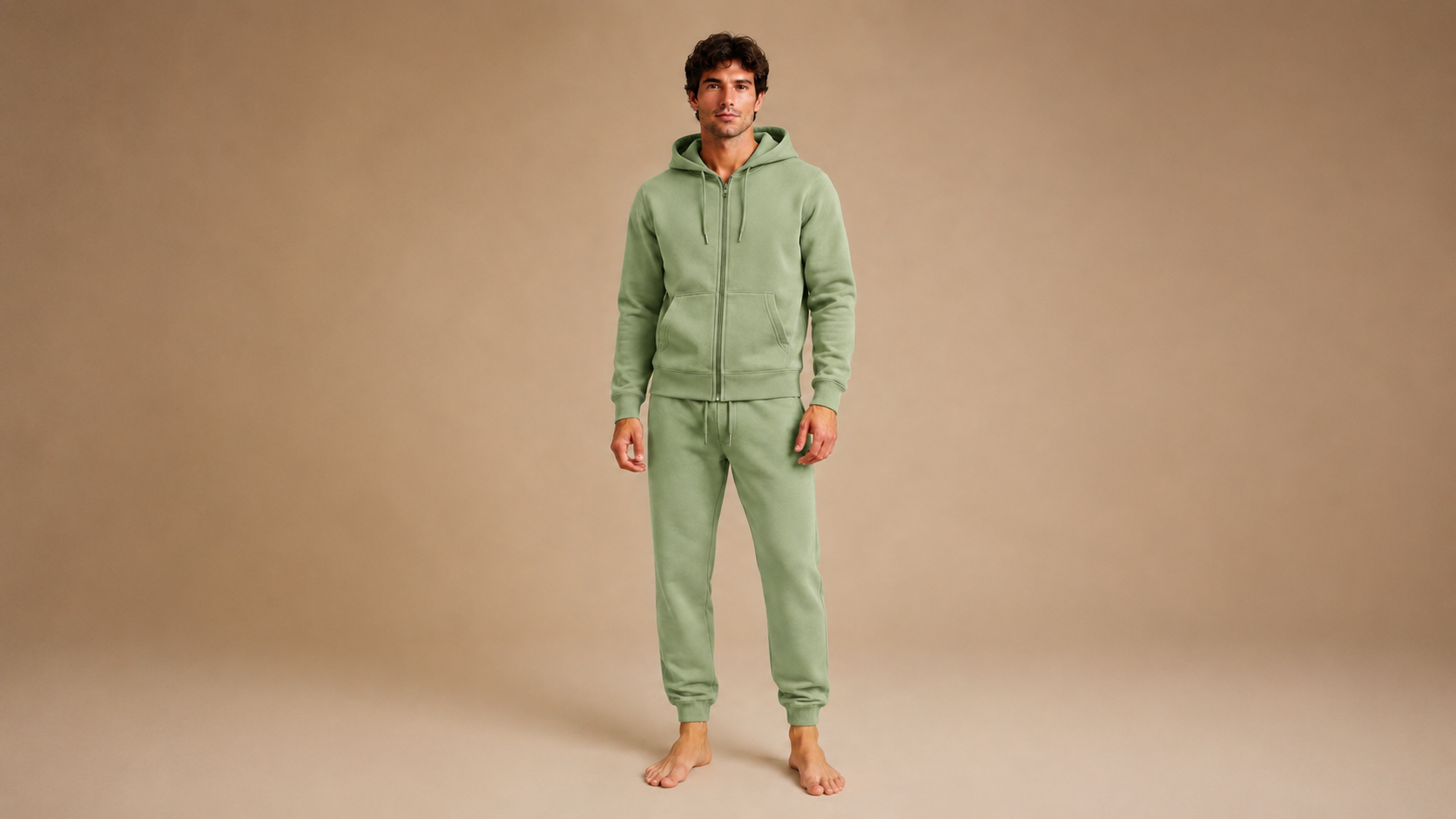
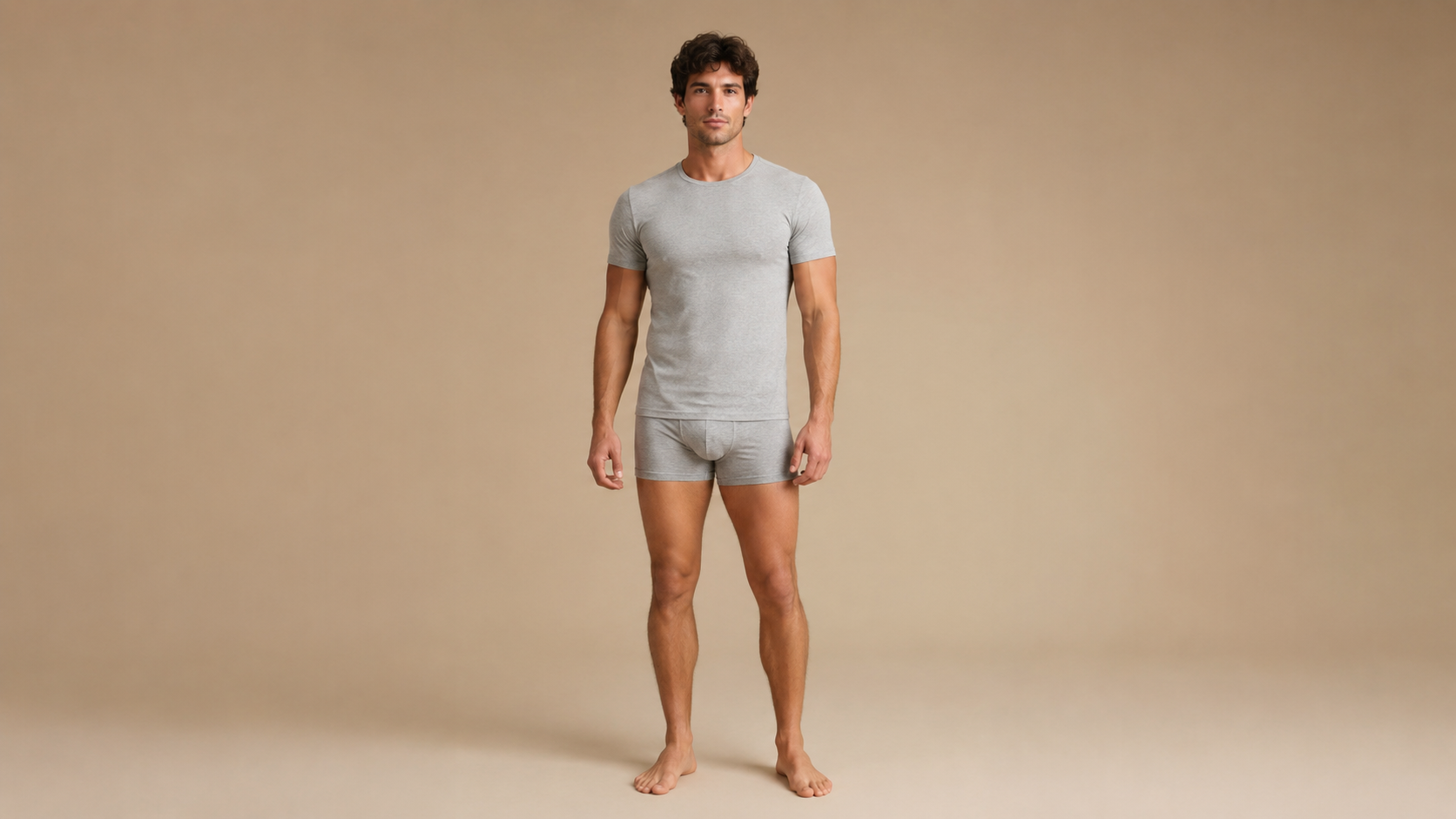
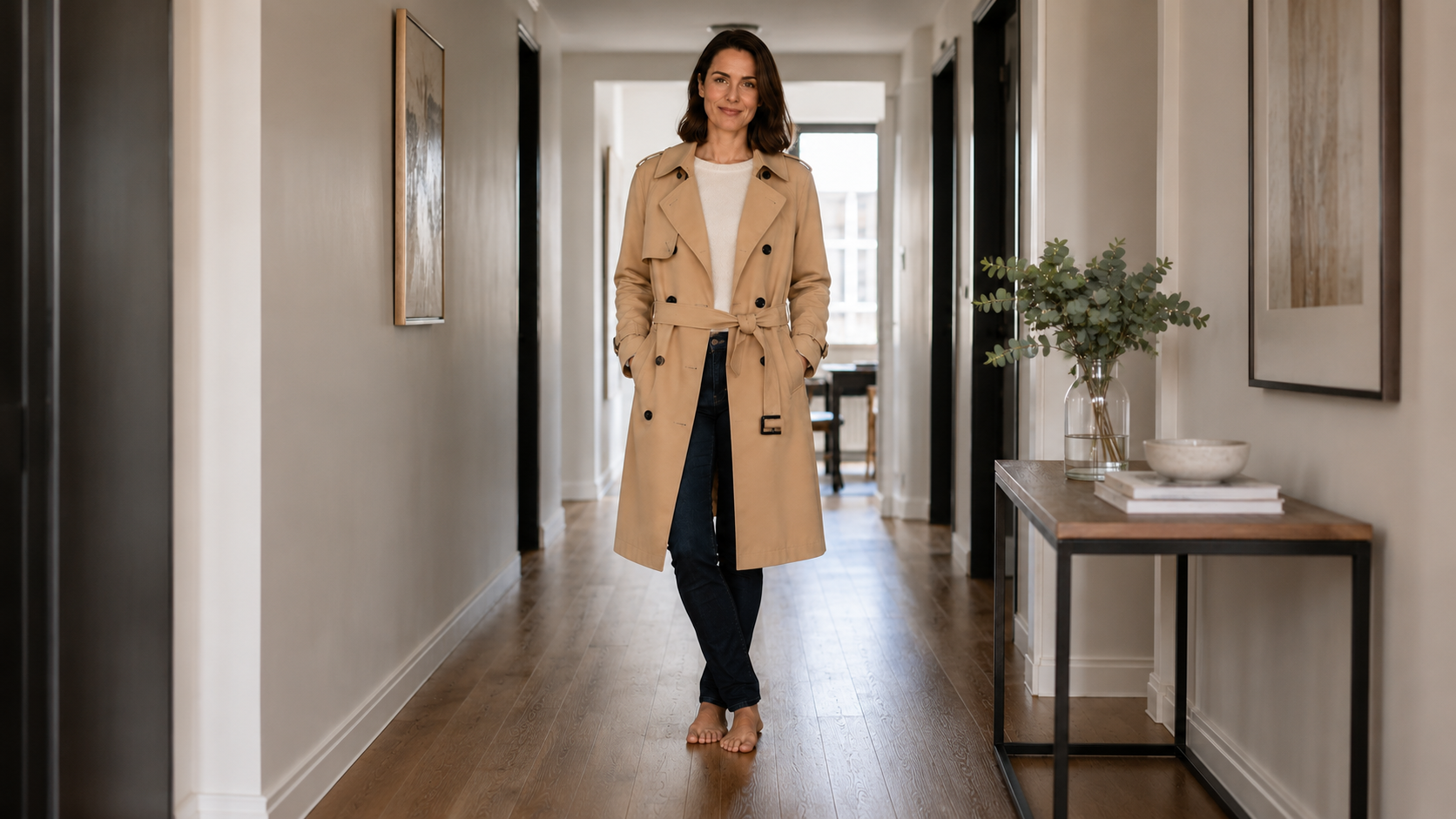

Person Photo + Outfit Reference
The app uses two required image inputs: your photo and a garment or target-model reference. The reference can be a clothing product image, a flat lay, or another model wearing the outfit.
直接在 Img2Vid 中完成 AI 视频草稿。选择兼容模型,查看价格和套餐资格,然后在同一工作区生成。

上传你的照片和衣服或目标模特穿搭参考图,快速预览换装后的真实效果。
你的照片*
建议上传清晰的全身或半身照片,以获得更准确的试衣效果。
Max 10MB per file
衣服或目标模特图*
上传衣服商品图、平铺图,或穿着目标服装的模特图。
Max 10MB per file
person_image: requires at least 1 file(s)
正在确认应用访问权限…

These proof examples use the actual Img2Vid virtual try on workflow: each person source image and garment reference image was generated as a 16:9 landscape asset, then the app produced a try-on result that is presented here as a 16:9 landscape preview.
Try-on task
Transfer only the beige linen blazer and white blouse upper-body styling. Preserve identity, face, pose, body proportions, trousers, and clean studio presentation.
Overview
Virtual try on is an image-to-image app for previewing clothes on a person photo. Upload a clear photo of the person, add a garment product image or a target model outfit reference, then generate a new image that shows how the clothing direction could look on that person. It is built for fast visual decisions, not for replacing size charts, tailoring, or a physical fitting.
The app uses two required image inputs: your photo and a garment or target-model reference. The reference can be a clothing product image, a flat lay, or another model wearing the outfit.
Control whether the virtual try on should replace the full visible outfit, only the upper body, lower body, a dress or one-piece garment, or a visible layer or accessory.
Use the keep-background option when you want to preserve the original photo context, or choose a clean studio background when the result needs a simpler product-style presentation.
The prompt asks the model to preserve identity, pose, skin tone, camera angle, and non-clothing areas while transferring garment color, texture, silhouette, and layering from the reference.
Use virtual try on to compare outfit direction, prepare product visuals, plan a wardrobe look, or test an ecommerce creative before committing to a shoot or purchase.
AI try-on output can still misread fabric, occlusion, logos, scale, or body contact. Treat the result as a visual preview and review details before using it in commercial content.
Use Cases
People search for virtual try on when they already have a person photo, a garment image, or a shopping idea and need to see a believable visual preview. These are the jobs the Img2Vid app is designed to support.
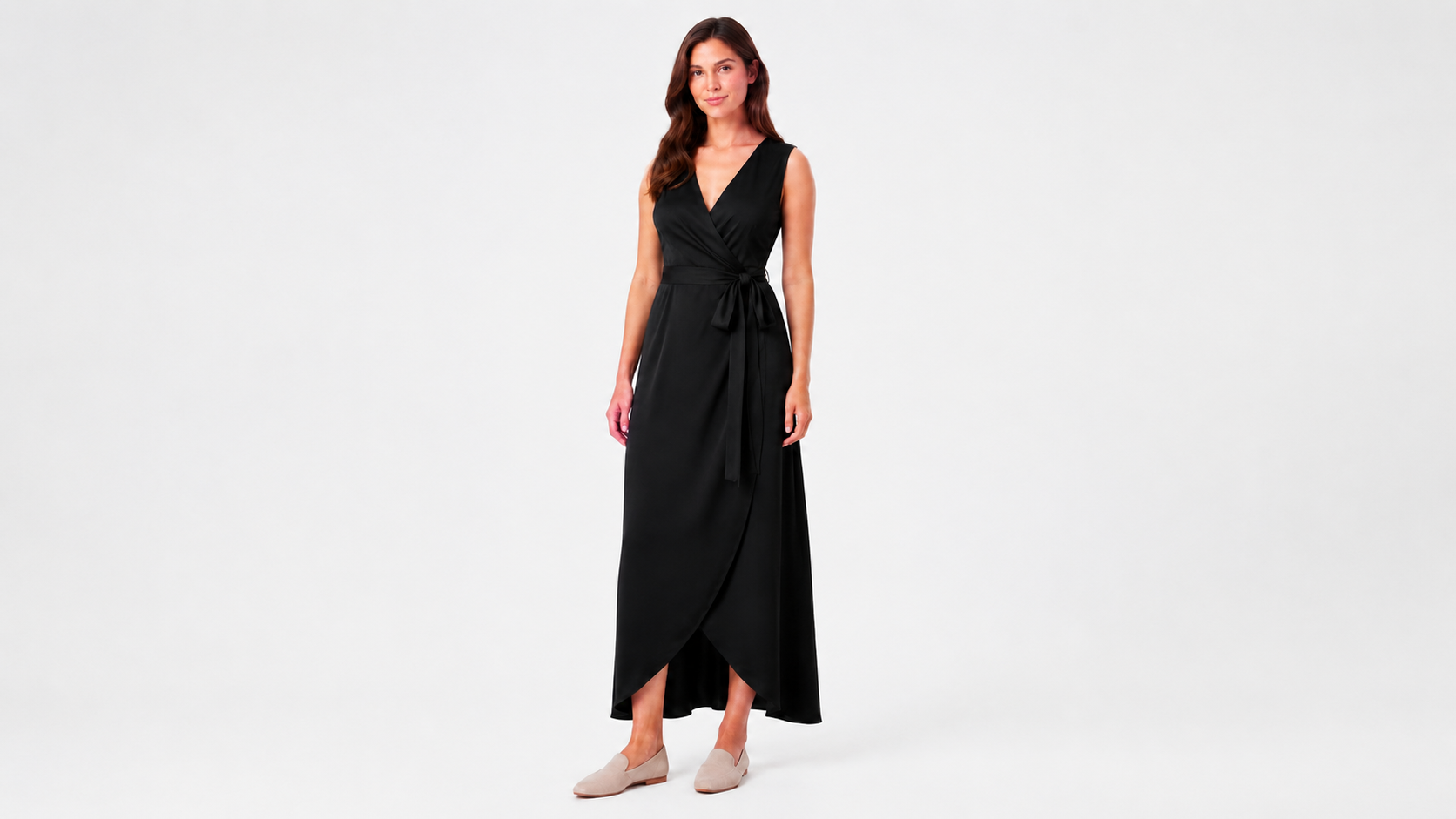
Turn a garment product photo into an on-person preview for marketplace tests, lookbook drafts, product page concepts, or ad creative planning before booking a model shoot.

Try an outfit direction on your own photo before buying, packing, styling a look, or deciding whether a color, silhouette, or layering choice fits the image you want.
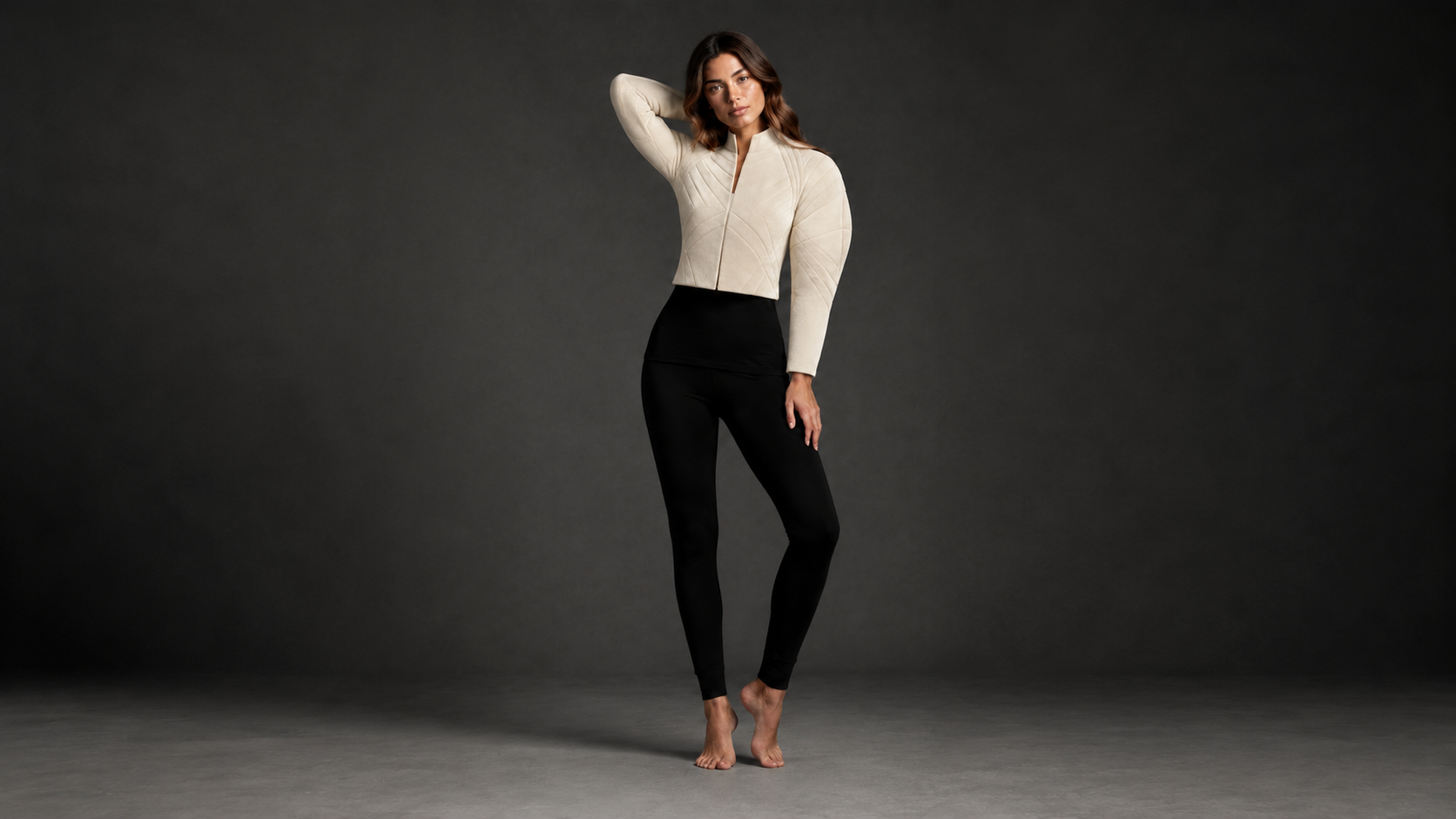
Use sketches, AI-generated clothing concepts, flat lays, or product references to create early try-on previews for design review, mood boards, and collection planning.

Generate a fast outfit preview for social polls, styling advice, affiliate content, or before-and-after posts where viewers need to understand the clothing change quickly.
How To Use
The generator above is the actual virtual try on app. Keep the workflow simple: start with a usable person photo, add a clear clothing reference, choose the garment scope, then inspect the result before using it.
Use a clear full-body or half-body photo when possible. Good lighting, visible body shape, and minimal occlusion around the clothing area give the model more reliable context.
Upload a product image, flat lay, or model outfit reference. The cleaner the garment shape, color, pattern, and texture, the easier it is for the virtual try on app to transfer the right style.
Select the garment scope, such as full visible outfit, top, bottom, dress, or layer. Keep the original background for a personal photo feel, or use the studio option for a cleaner preview.
Check whether the output preserved the person, transferred the intended clothing details, and handled hands, hair, shadows, folds, and edges naturally. If not, try a clearer source or reference image.
Input Guide
Virtual try on quality depends heavily on the source material. The app accepts common image files for both required inputs, and the current configuration allows JPG, PNG, and WebP images up to 10 MB per input.
Only upload your own photo or a photo you have permission to use. This matters for privacy, consent, and commercial publishing rights.
A clear full-body or half-body image with fitted clothing usually works better than a dark, cluttered, far-away, seated, or heavily cropped photo.
Hands, bags, hair, crossed arms, props, and oversized clothing can make it harder to place the new garment cleanly on the body.
Product photos, flat lays, or model photos with visible color, pattern, neckline, sleeves, length, and silhouette give the app better information than tiny or cropped references.
Use the extra direction field for constraints such as keeping shoes unchanged, preserving hairstyle, making a jacket oversized, or focusing only on the upper-body garment.
If the original room or street scene distracts from the clothing, choose the clean studio background option to make the try-on result easier to review.
Accuracy
A credible virtual try on page should be honest about limits. AI can create a useful visual preview, but it is still an image generation task, not a measurement system or guaranteed fit prediction.
The generated image can help you judge visual style, but it does not prove the garment size, tailoring, fabric stretch, or real-world comfort. Use merchant size charts and product details for sizing.
Small logos, text, buttons, seams, textures, and patterns may be simplified or changed. Review important brand or product details before publishing.
Hands, hair, bags, jewelry, loose layers, and complex poses are common sources of artifacts because the model must decide which pixels belong in front of the new garment.
The best use of virtual try on is to compare style direction, color, silhouette, and presentation before committing to a purchase, shoot, listing, or campaign asset.
FAQ
These answers focus on the current Img2Vid app behavior and the practical concerns that usually decide whether a virtual try on result is useful.
Start
Upload a person photo, add a garment or outfit reference, and generate a realistic AI clothing preview with the Img2Vid virtual try on app.