
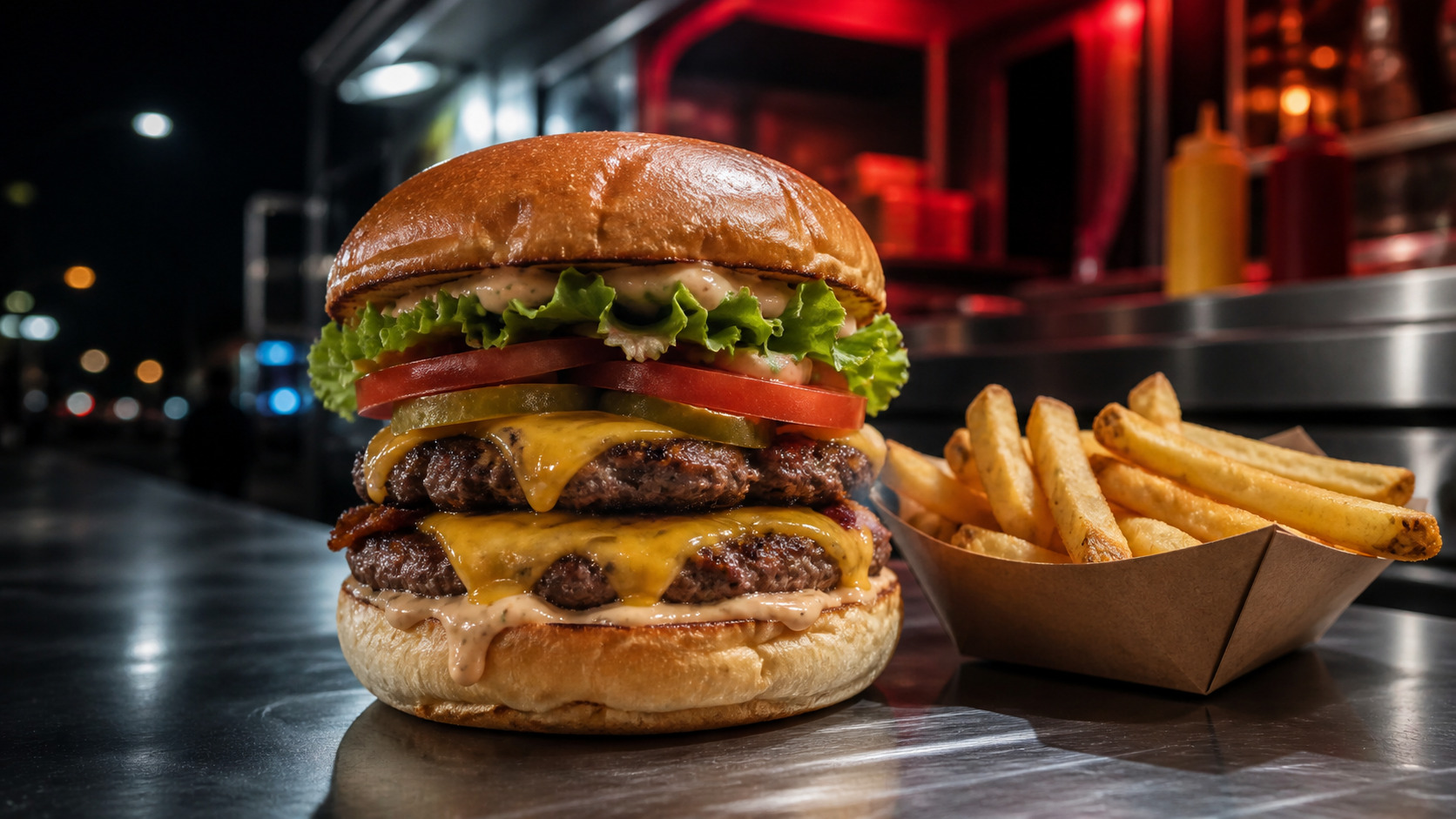
Layered Meme Distortion
The processor combines color, contrast, warmth, sharpening, noise, pixelation, and compression artifacts so the result feels genuinely fried rather than merely oversaturated.
Create AI video drafts directly in Img2Vid. Choose a compatible model, review price and plan eligibility, then generate in the same workspace.
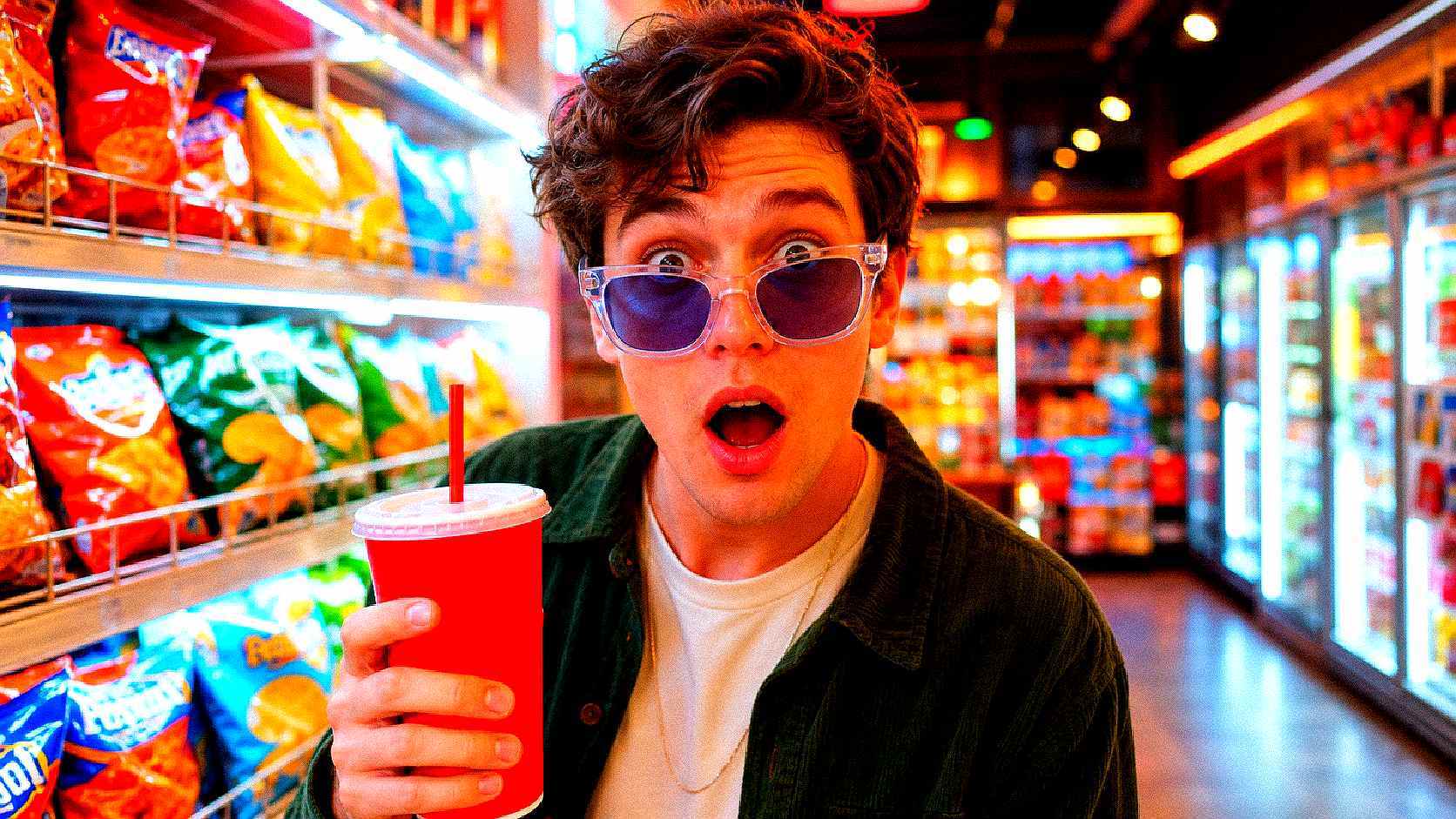
Turn an uploaded image into an intensely compressed, saturated, and crispy meme-style visual directly in the browser.
Source Image*
JPG, PNG, or WebP. The image stays in your browser.
Max 25MB per file
source_image: requires at least 1 file(s)
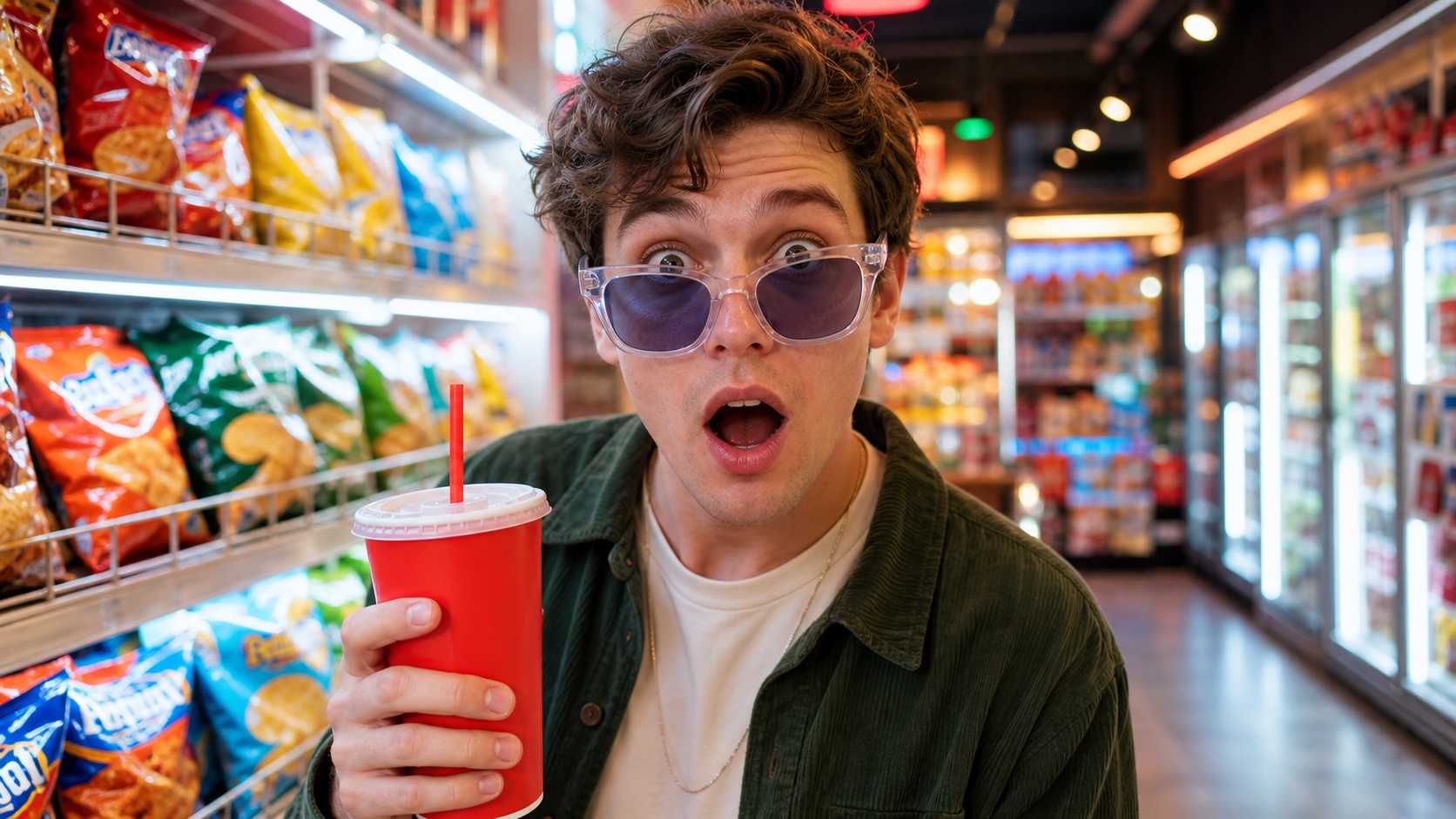
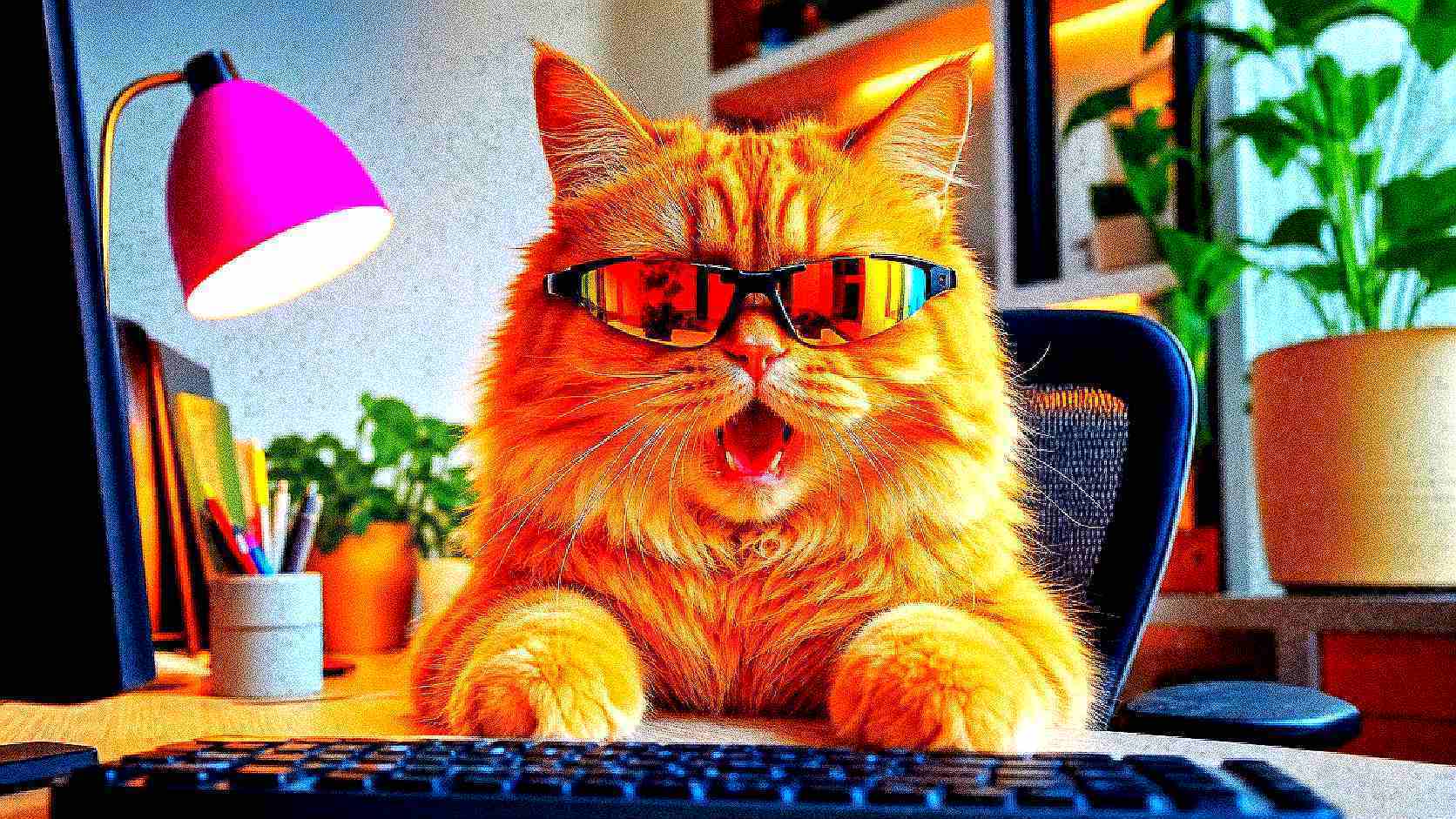
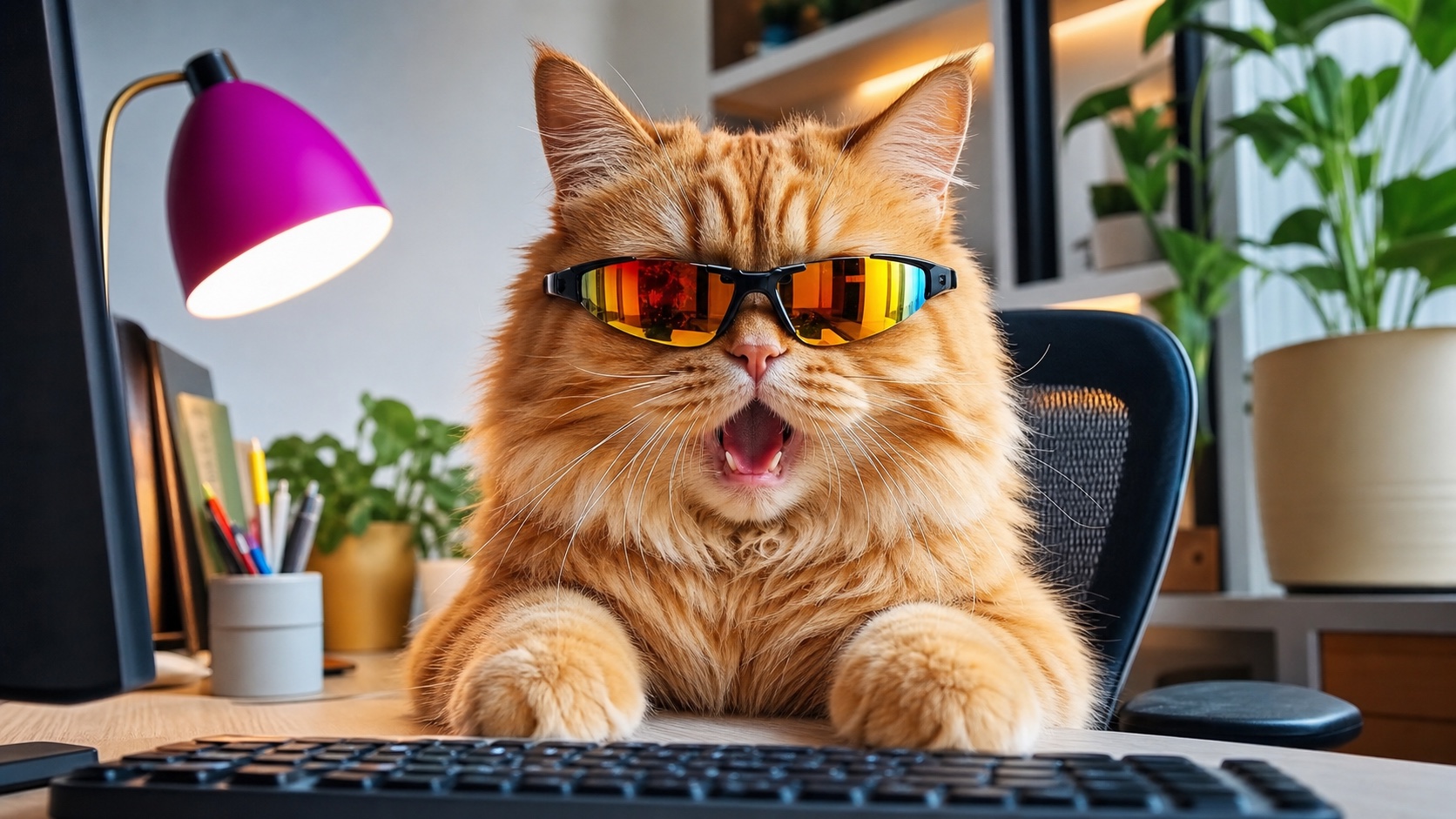
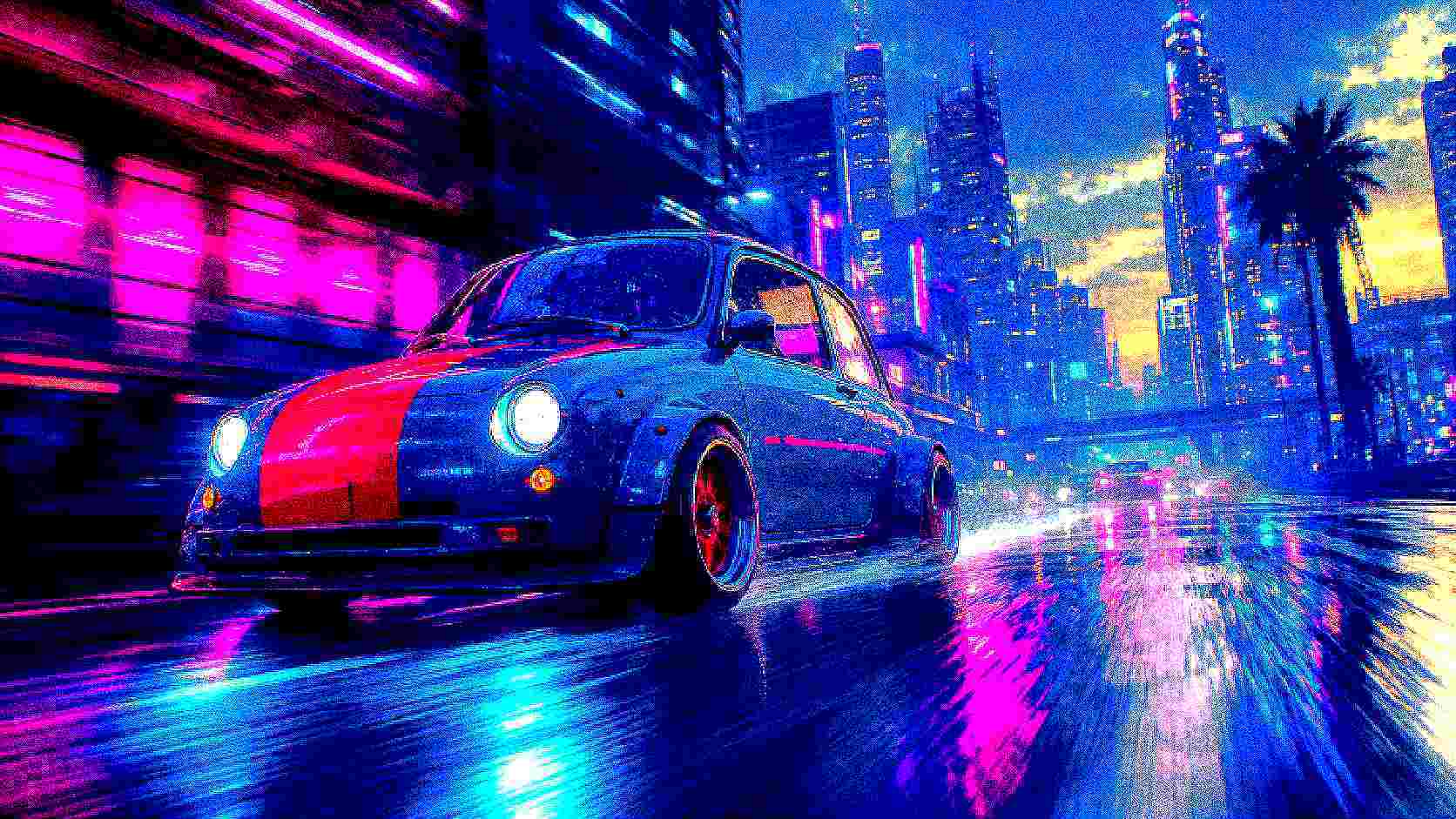
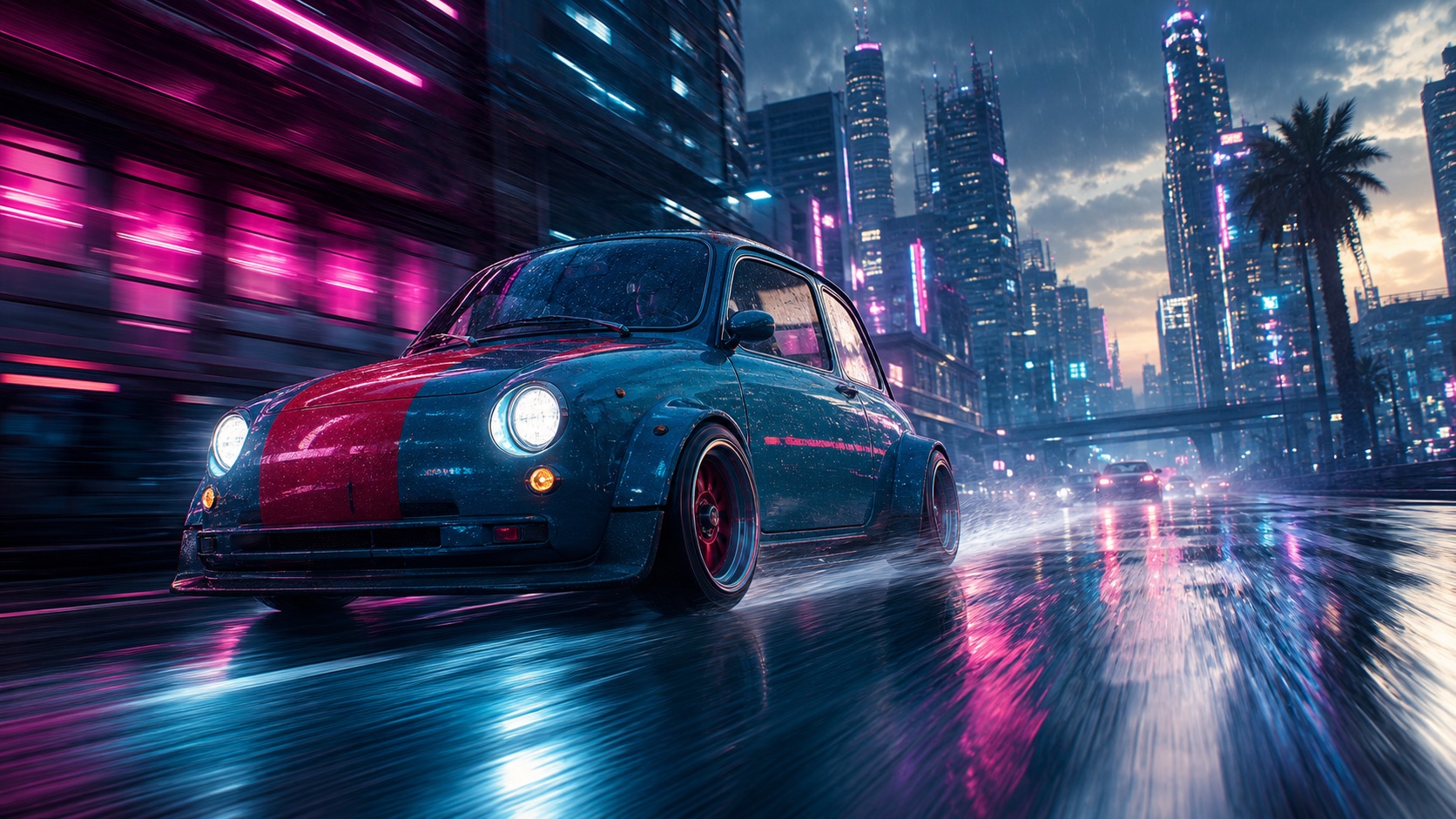
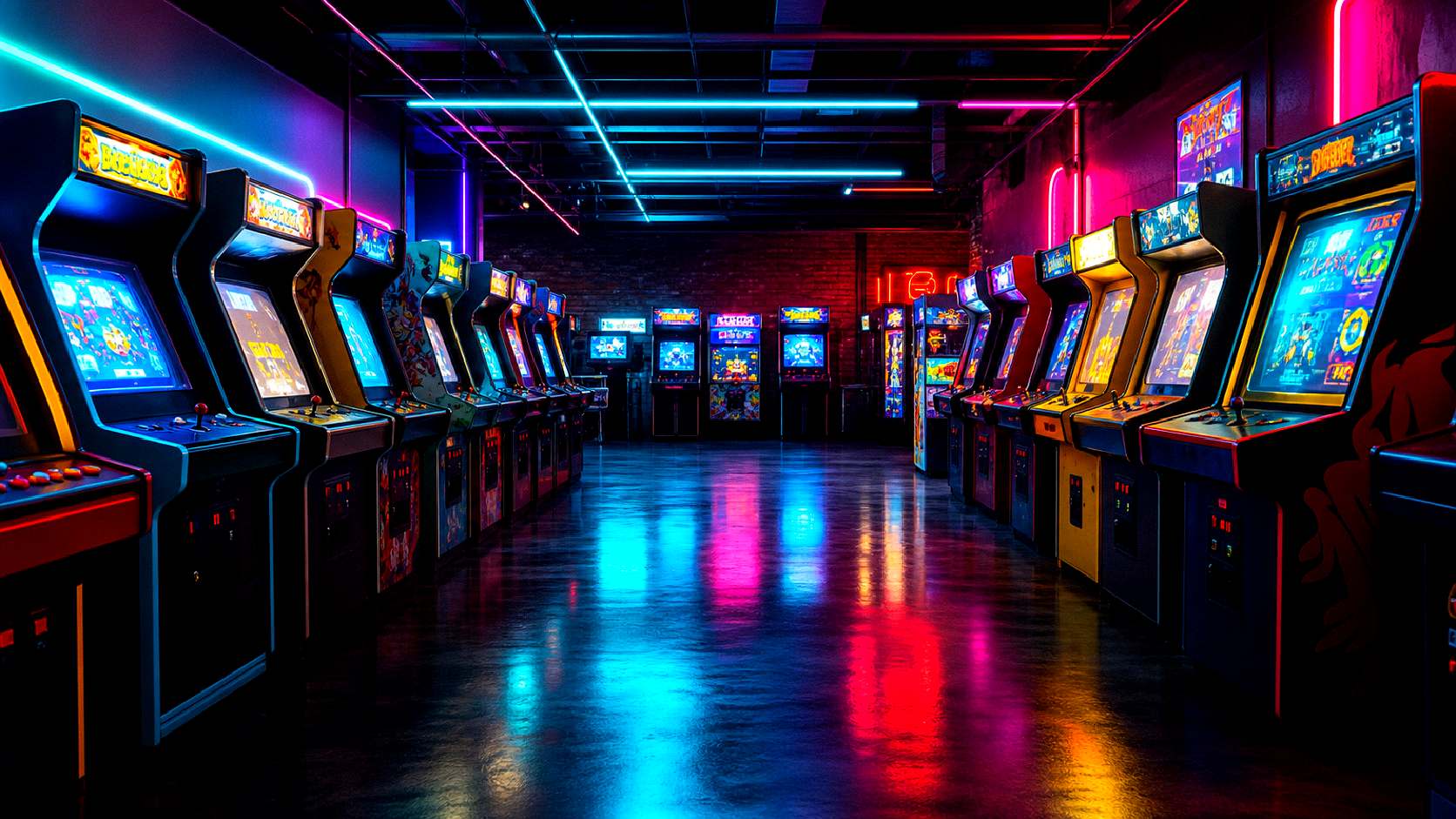
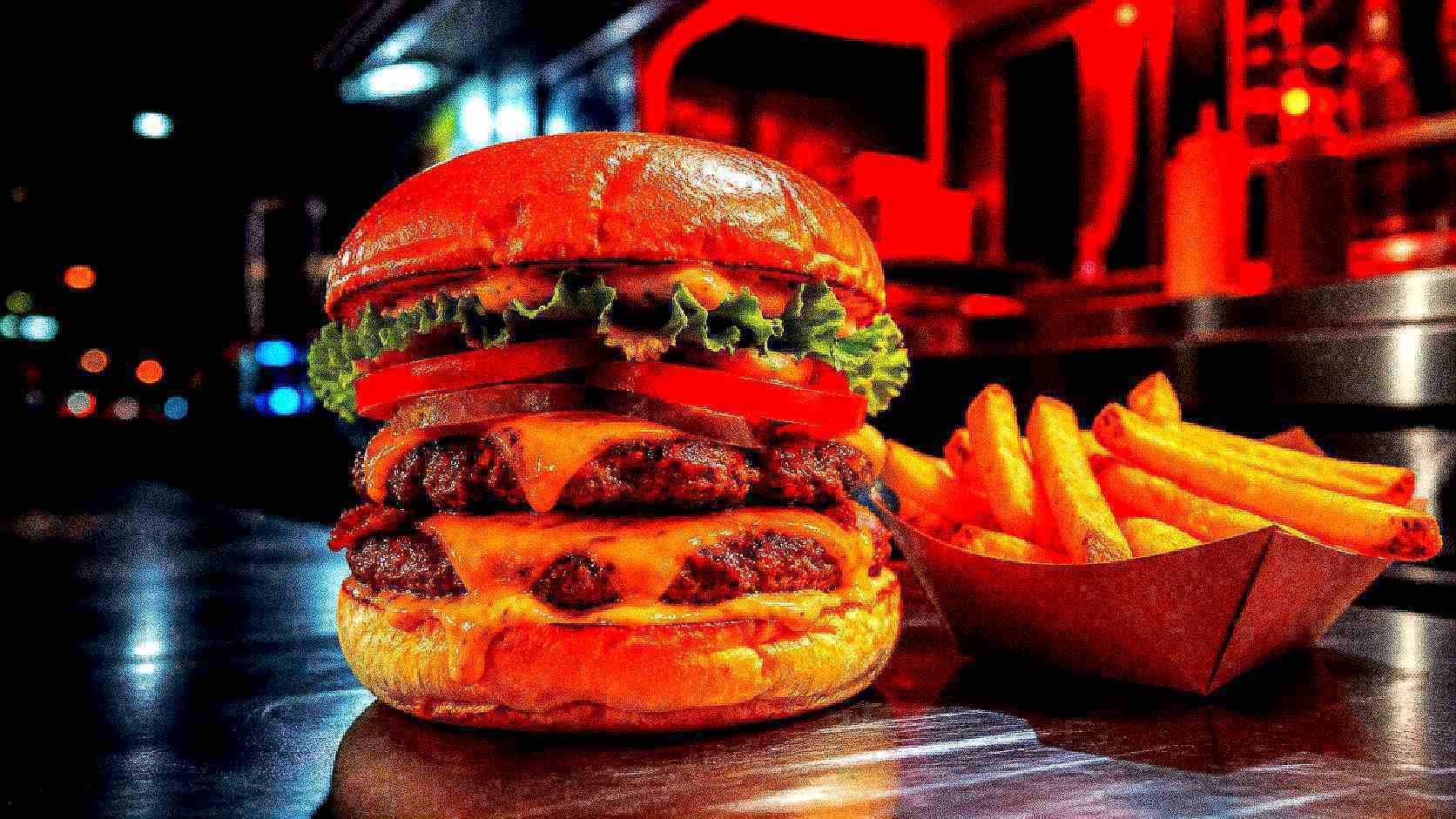
These examples were processed with the same browser-side engine used by the generator above. Drag across an image to compare the clean source with its deep fried result. Crispy keeps the subject readable, Burnt pushes texture and color harder, and Nuclear produces the most aggressive compression and noise.
Fry level
Crispy
Overview
A deep fried image is intentionally overprocessed until ordinary image flaws become part of the joke. Strong saturation, crushed contrast, edge sharpening, digital noise, pixelation, and repeated low-quality JPEG compression create the familiar crunchy internet-meme look. A useful deep fried image generator recreates that layered process instead of applying one flat color filter, and Img2Vid performs every stage locally in your browser.
The processor combines color, contrast, warmth, sharpening, noise, pixelation, and compression artifacts so the result feels genuinely fried rather than merely oversaturated.
Choose Light, Crispy, Burnt, or Nuclear to move from a controlled social effect to deliberately chaotic meme damage without tuning every control.
Open Advanced Controls to tune saturation, contrast, sharpness, noise, pixelation, JPEG quality, and compression passes independently.
After processing, drag the comparison handle across the preview to inspect exactly how much detail and color the deep fried effect changed.
The uploaded JPG, PNG, or WebP remains in the browser for processing. There is no AI queue and no generation API call for this app.
Download the finished result as an image and use it in memes, reaction posts, thumbnails, group chats, or intentionally loud creative experiments.
Preset Guide
There is no single correct deep fried look. The best setting depends on whether the image still needs to communicate clearly or whether maximum visual chaos is the point. This deep fried image generator provides four calibrated starting points, so you can begin with a preset, inspect the preview, and open the advanced controls only when the source needs more precise treatment.
Adds a modest saturation boost, firmer contrast, light sharpening, and one compression pass. Use it when the image should feel punchy but remain clean enough for a thumbnail.
The balanced default. Colors become hot, edges become crunchy, noise becomes visible, and two JPEG passes introduce authentic artifacts while preserving the subject.
Pushes contrast, sharpening, noise, pixelation, warmth, and repeated compression far enough to make the editing itself part of the meme.
Uses the strongest preset values for clipped colors, coarse texture, heavy pixelation, and repeated low-quality compression. Best for intentionally extreme reactions.
Advanced Controls
Advanced mode in the deep fried image generator separates the effect into practical controls. Tune one or two settings at a time, compare the preview, and preserve the subject while making selected flaws louder.
Saturation intensifies color differences; contrast pushes highlights and shadows apart. High values create the bright reds, electric blues, and dark crushed regions associated with deep fried memes.
Sharpness emphasizes edges and fine texture. Moderate sharpening makes details pop; aggressive sharpening creates halos and brittle outlines around faces and objects.
Noise adds deterministic grain across the pixels. It breaks up smooth gradients and gives flat digital images the distressed texture common in heavily reposted memes.
Pixelation temporarily reduces the working image and scales it back up. It removes fine detail and creates visible blocks without changing the final canvas dimensions.
Lower quality introduces block boundaries, ringing, and color smearing. These are normally defects, but they are essential ingredients in a convincing deep fried image.
Each pass encodes and decodes the image again. Repeating the cycle compounds JPEG artifacts, similar to an image being saved and reposted many times.
Use Cases
The effect is strongest when exaggeration supports the message. Clear faces, animals, products, vehicles, bold illustrations, and reaction images survive distortion better than documents or photos where small text must stay readable.
Amplify a surprised face, dramatic pose, or expressive animal so the visual intensity matches an exaggerated caption or group-chat reaction.
Use Light or Crispy to increase visual energy in a thumbnail while keeping the main subject recognizable at a small size.
Turn familiar team, friend-group, gaming, or fandom images into deliberately chaotic visual callbacks without waiting for a remote generation job.
Recreate the compressed, overshared look of early image boards and social platforms for posters, edits, mood boards, and intentionally low-fi designs.
Use the comparison preview to create transformation content that contrasts a polished source with an aggressively fried final image.
Explore how compression, noise, edge enhancement, and reduced color stability change portraits, product shots, illustrations, and cinematic scenes.
How To Use
The workflow stays deliberately short. You can create a result with one preset or use advanced mode for a more controlled effect.
Choose a JPG, PNG, or WebP file up to 25MB. A clear subject and strong initial composition make the final meme easier to read.
Start with Crispy for a balanced result. Move to Light for restraint, Burnt for stronger artifacts, or Nuclear for the most extreme treatment.
Create the image, drag the preview divider to compare it with the source, then download the result when the level of distortion feels right.
Local Processing
The deep fried image generator uses the browser's image and canvas capabilities. The source file is decoded locally, processed in an isolated worker when supported, and returned as a temporary browser object URL. That architecture keeps the interaction responsive, avoids an upload round trip, and never sends the image to a model provider.
The deep fried image generator is a deterministic image processor, not a generative model. It does not consume model credits or wait for provider capacity.
Modern browsers use an OffscreenCanvas worker so heavier pixel work does not block the main interface. A bounded canvas fallback supports browsers without that feature.
The processor caps working dimensions and pixel count to protect the tab from oversized images while preserving the original aspect ratio.
FAQ
Common questions about making deep fried images with Img2Vid.
Start Frying
Upload a photo, choose the right fry level, compare the original with the processed result, and download a meme-ready image without a generation queue.